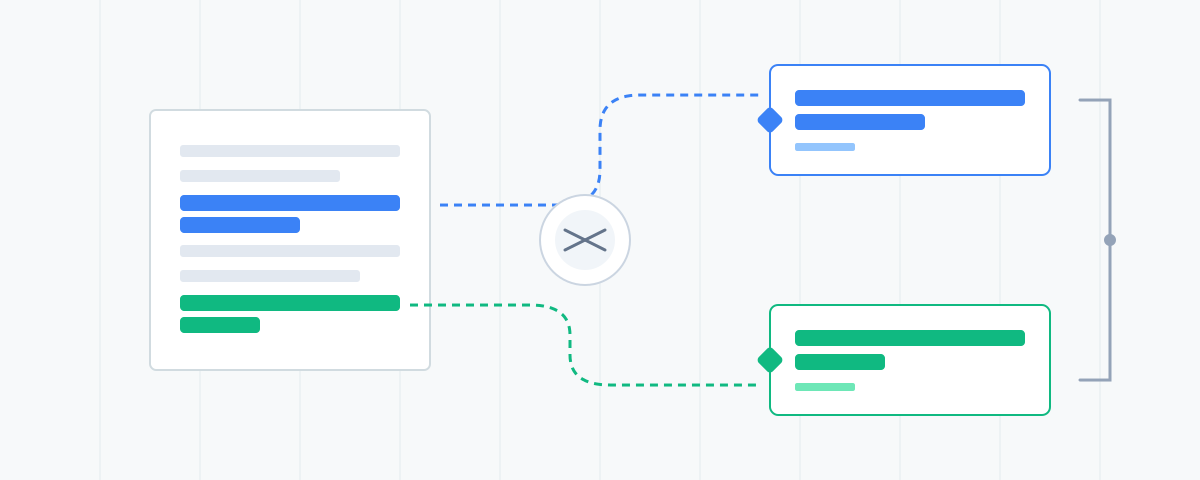
The Gemini Grounding Tool identifies which URLs and specific sentences Google's AI extracts to ground its answers, helping optimize content for AI search.
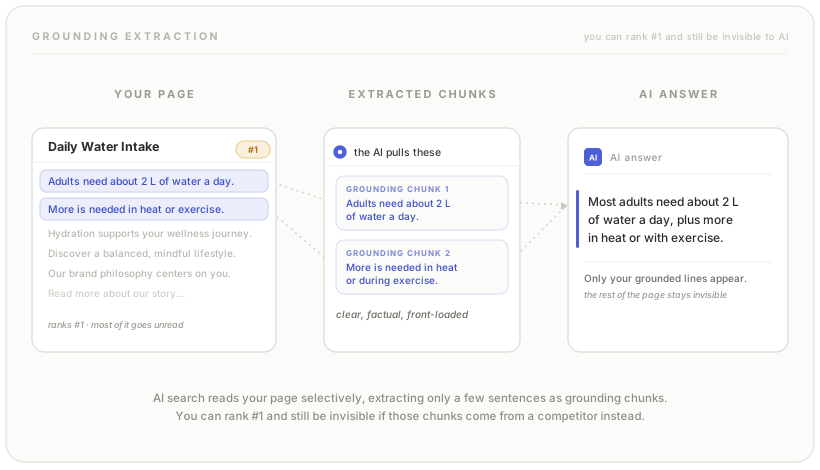
You can rank #1 and still be invisible to AI search.
That’s the uncomfortable truth of the AI Mode era. Google’s AI doesn’t just look at your page, it extracts specific sentences, evaluates them against the query, and decides whether your content deserves to ground its answer. The rest of your carefully crafted copy?
Find out!
The Gemini Grounding Tool reveals:
Enter a query. Optionally add a location. See what the AI actually reads.
That’s it. Now you know which content is working in AI search—and which isn’t.
When Gemini answers a query, it doesn’t hallucinate from training data alone. It performs live Google searches, retrieves pages, and extracts specific text segments to “ground” its response in real sources. These grounding chunks are the atomic unit of AI search visibility.
Think of it like this:
Traditional Search:Query → Ranked URLs → User clicks → User reads pageThe critical difference: the AI is now the reader. And it’s a very selective reader.
You might rank position 1 for a query and still have zero presence in the AI answer. Why?
The tool exposes this gap.
Once you see what gets grounded, you can:
Run your competitors’ branded queries. See what sentences Gemini extracts from their pages. Understand what content structure is winning in your vertical.
The tool uses Gemini’s google_search grounding tool to perform live searches, the same infrastructure that powers AI Mode. Results reflect real-time grounding behaviour, not cached or estimated data.
Location parameter affects localisation. A query from “Sydney, Australia” will return different sources than the same query from “New York, USA.”
AI search is rewriting the rules of visibility. Ranking is necessary but no longer sufficient. Your content needs to be grounding-friendly, structured so the AI extracts the right sentences and presents them prominently. This tool shows you what’s actually happening.
 Dan Petrovic ·
15 December 2025
Dan Petrovic ·
15 December 2025
Thank you Kevin!
Dan Petrovic ·
Supports · ·
25 December 2025
Wow Dan. Thanks for sharing your Tool to the public. What is your workflow after the results?
Honestly still working on that part.
Dan Petrovic ·
·
25 December 2025


Dan, as always, this is excellent work. A great tool, simple to use, and backed up by insightful research.