Explore Vertex AI website search features, including Enterprise edition tools like extractive answers, image search, and advanced LLM capabilities for summaries.
Tharindu Gunawardana from Search Ministry has discovered a cool feature in Vertex AI:
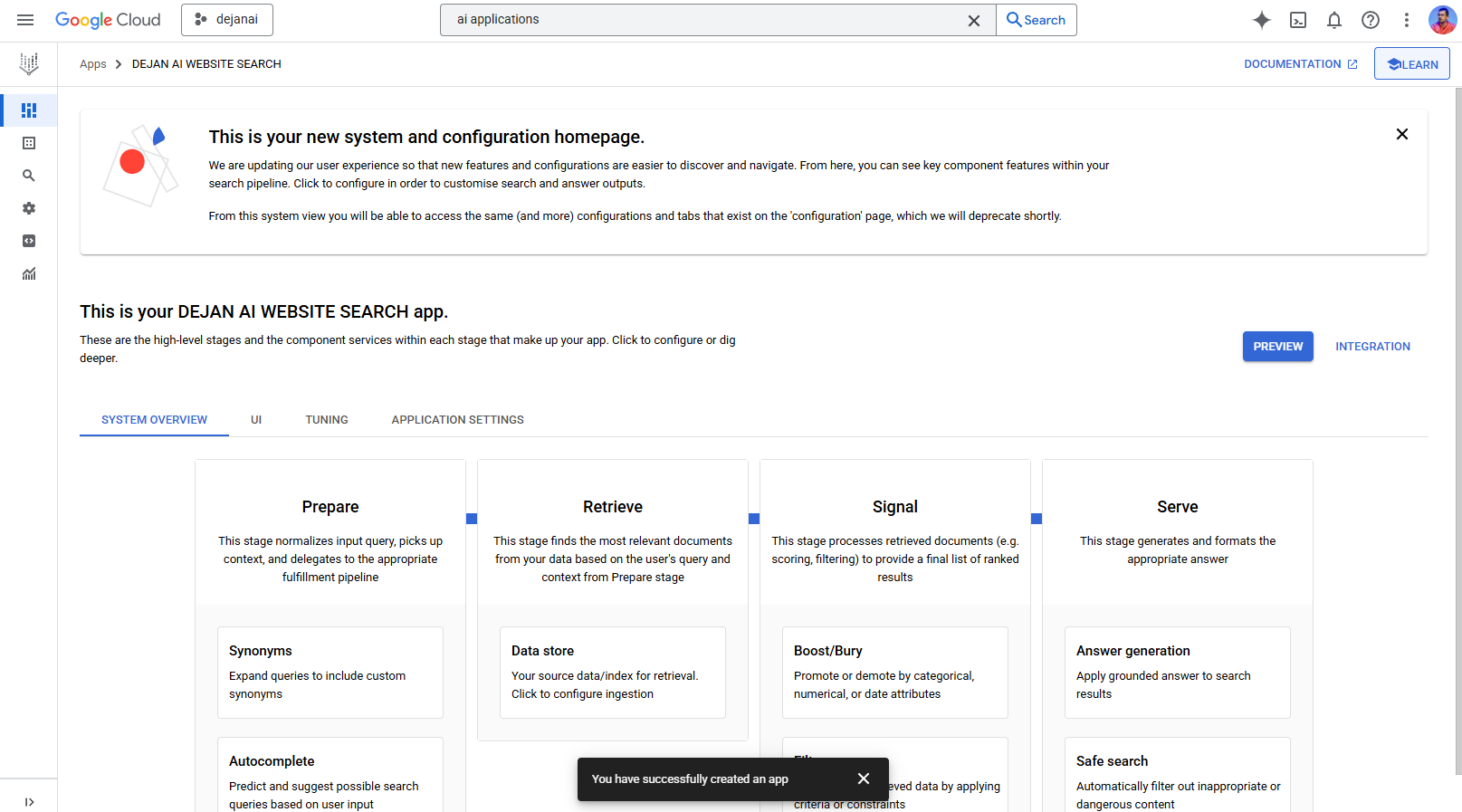
Looks like we can now test and fine-tune AI Mode in Vertex AI > Vertex AI Mode, using our own website content. This also confirms the process of how AI Mode works (Simplified version )
Prepare > Retrieve > Signal > Serve
I’ll be investigating it and documenting my progress on this page.
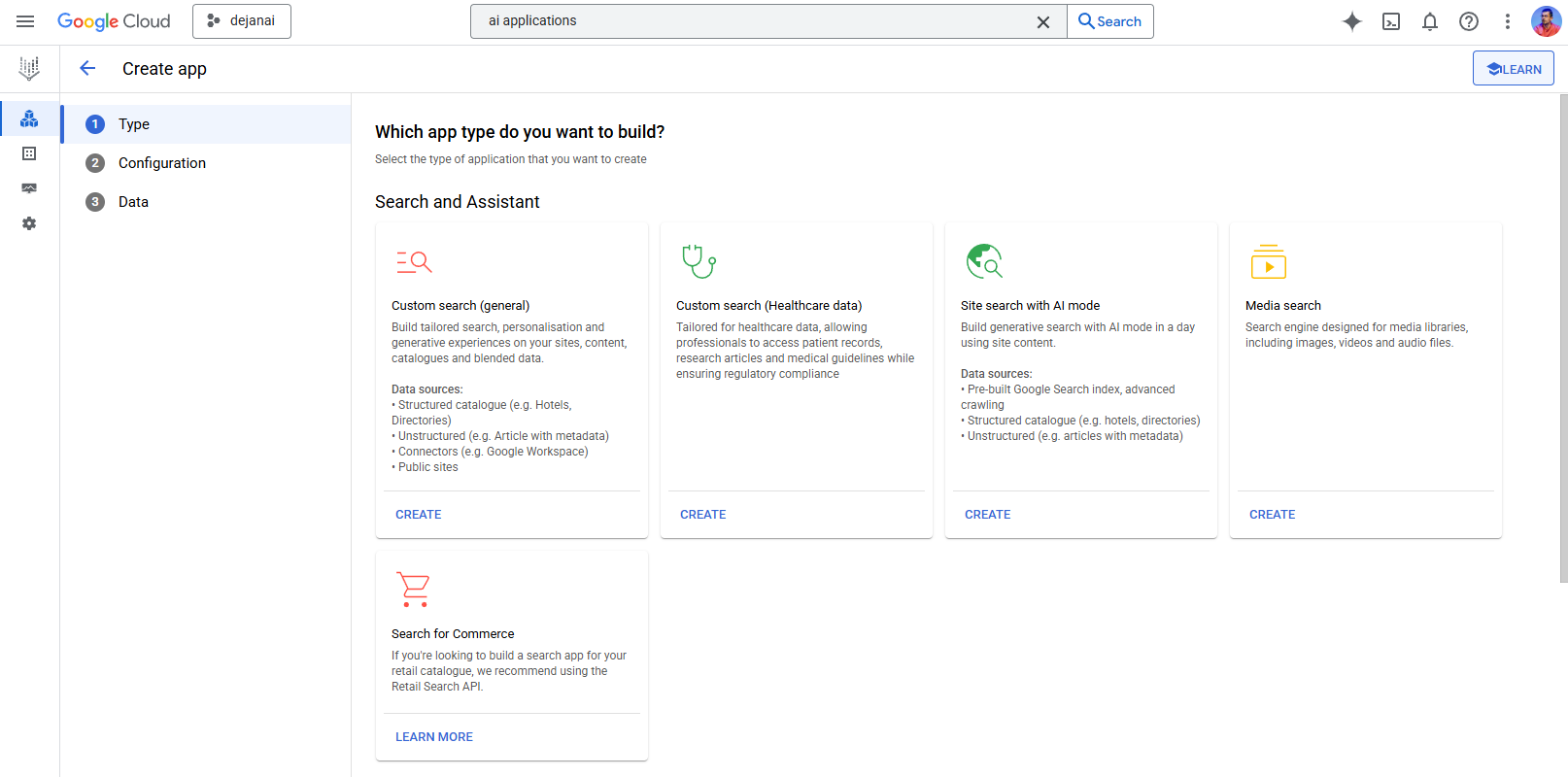
Enterprise edition features
In addition to the standard features, you get:
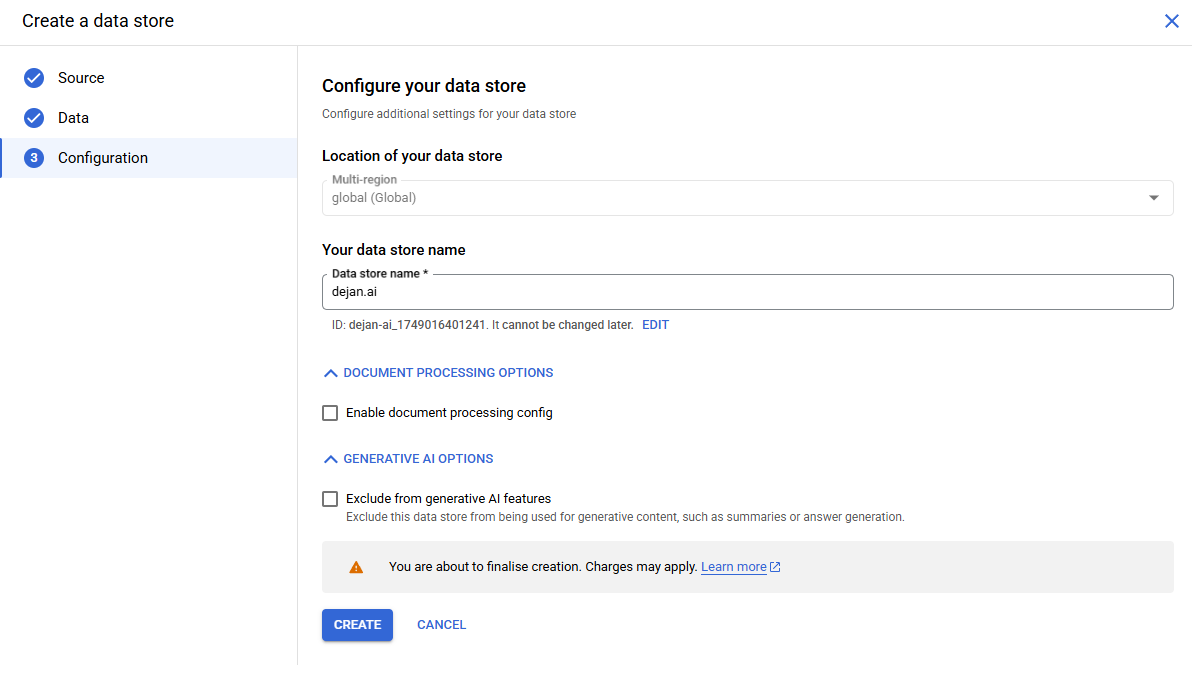
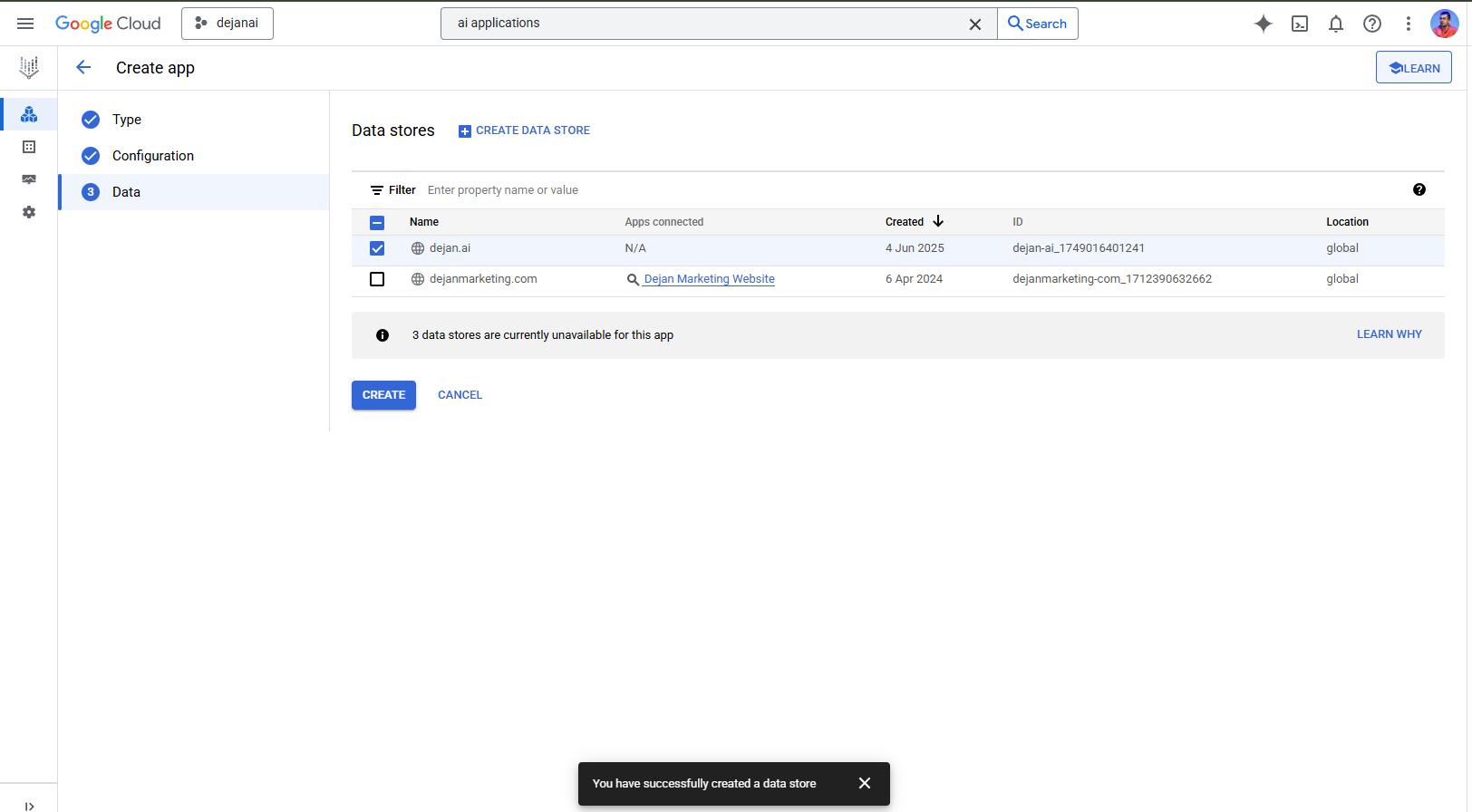
Turning on Enterprise edition features is required for website search. To get higher refresh frequency, lower latency, search summaries and more features in addition to website data, you need to turn on advanced website indexing.
You can change this setting at any time.
After turning on Enterprise features, it can take up to five minutes for the features to become available.
Learn more about features and prices
Advanced LLM features
For structured, unstructured and advanced website search, you get:
Advanced LLM features are not available for basic website search.\n You can change this setting at any time.
After turning on advanced LLM features, it can take up to five minutes for the features to become available.
Learn more about features and prices
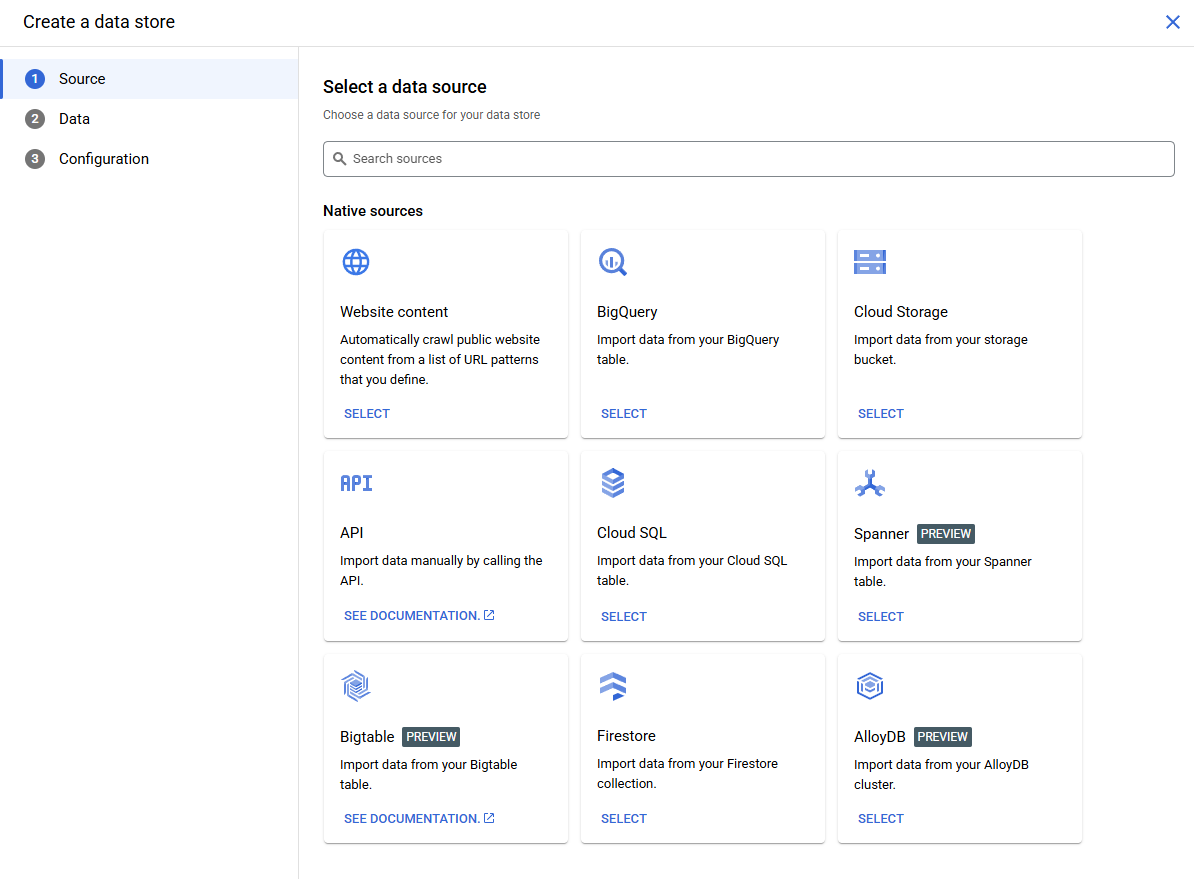
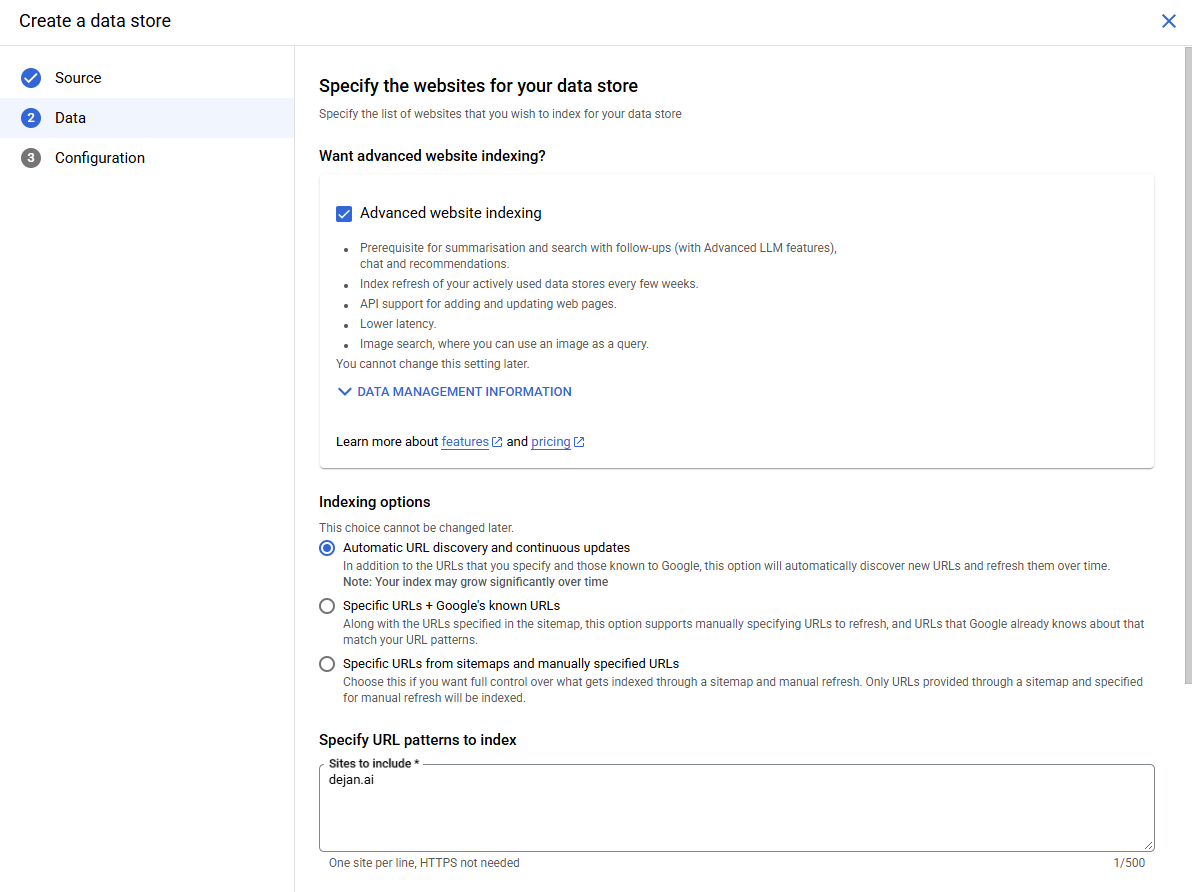
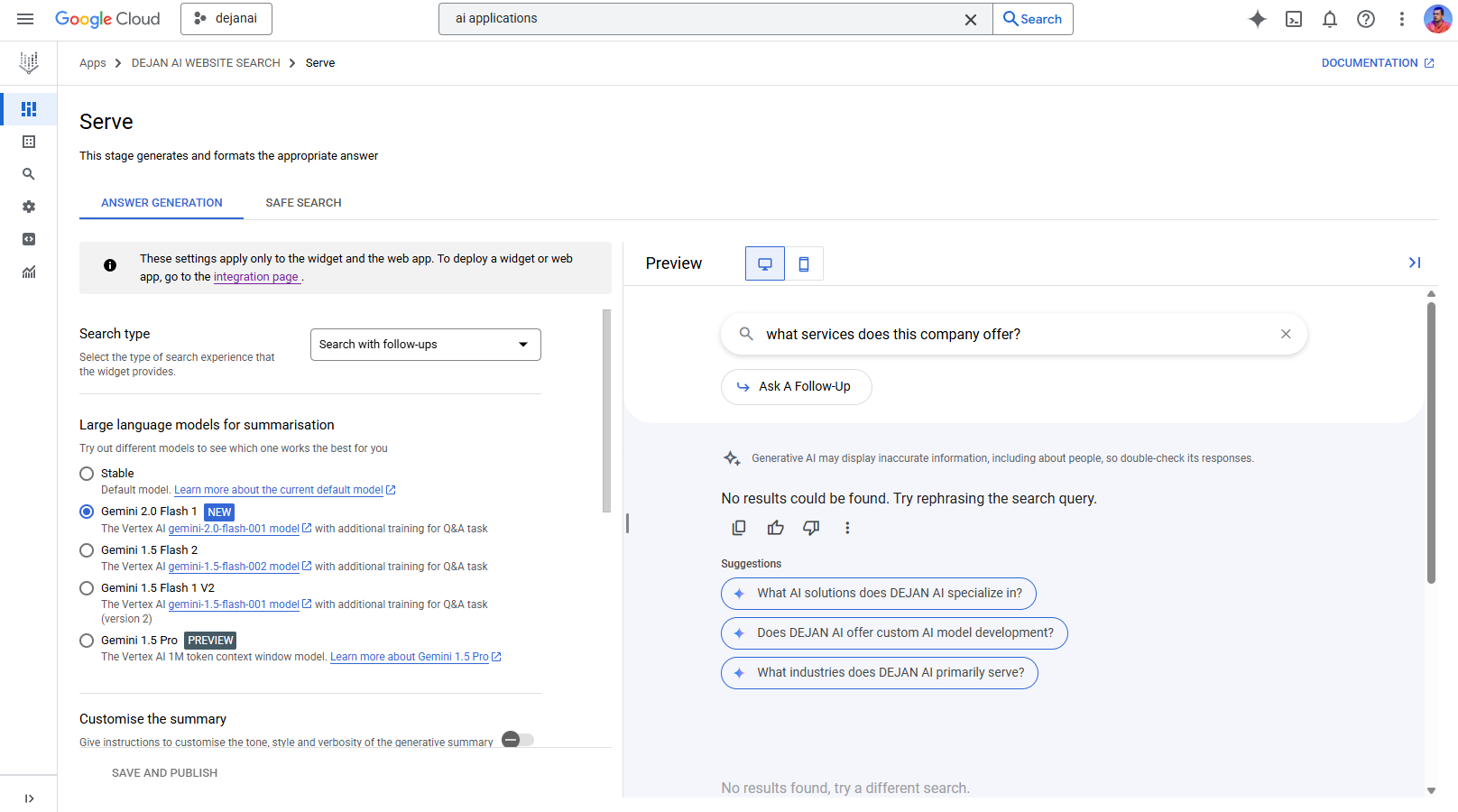
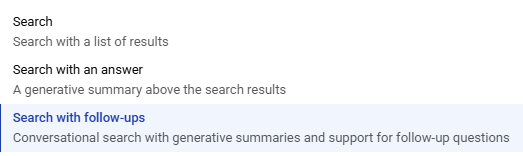
Select the type of search experience that the widget provides.
Search with follow-ups
Try out different models to see which one works the best for youStable
Default model. Learn more about the current default model Gemini 2.0 Flash 1 new
The Vertex AI gemini-2.0-flash-001 model with additional training for Q&A taskGemini 1.5 Flash 2
The Vertex AI gemini-1.5-flash-002 model with additional training for Q&A taskGemini 1.5 Flash 1 V2
The Vertex AI gemini-1.5-flash-001 model with additional training for Q&A task (version 2)Gemini 1.5 Pro preview
The Vertex AI 1M token context window model. Learn more about Gemini 1.5 Pro
Give instructions to customise the tone, style and verbosity of the generative summary
Choose the language of the summary
English
Controls whether the generative summary suggests related questions.
Don’t show ‘We do not have a summary for your query’ if the query returns no answers for non-product questions on the widget.
Prevent LLM answers on adversarial queries.
Prevent LLM answers with low relevant content.
Choose a source for the image returned in the answer
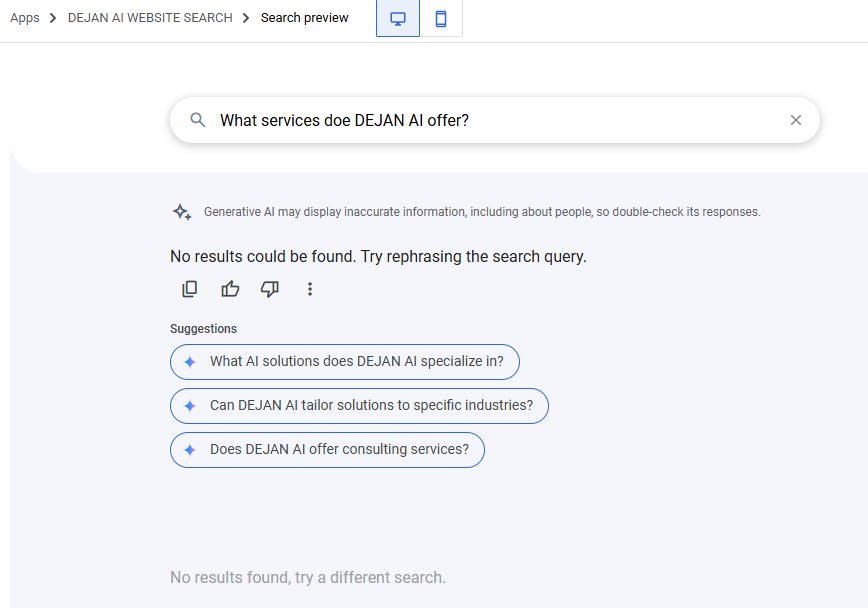
No results are available until Google’s datastore indexes the content.
 Dan Petrovic ·
04 June 2025
Dan Petrovic ·
04 June 2025