
What each DEJAN App tool does
27 feature pages, one per tool: the problem it solves, how it works and how it connects to the rest of the app.
Start at app.dejan.aiFor which tools to use in which order for a goal, see the DEJAN App workflows.
All features
Dashboard
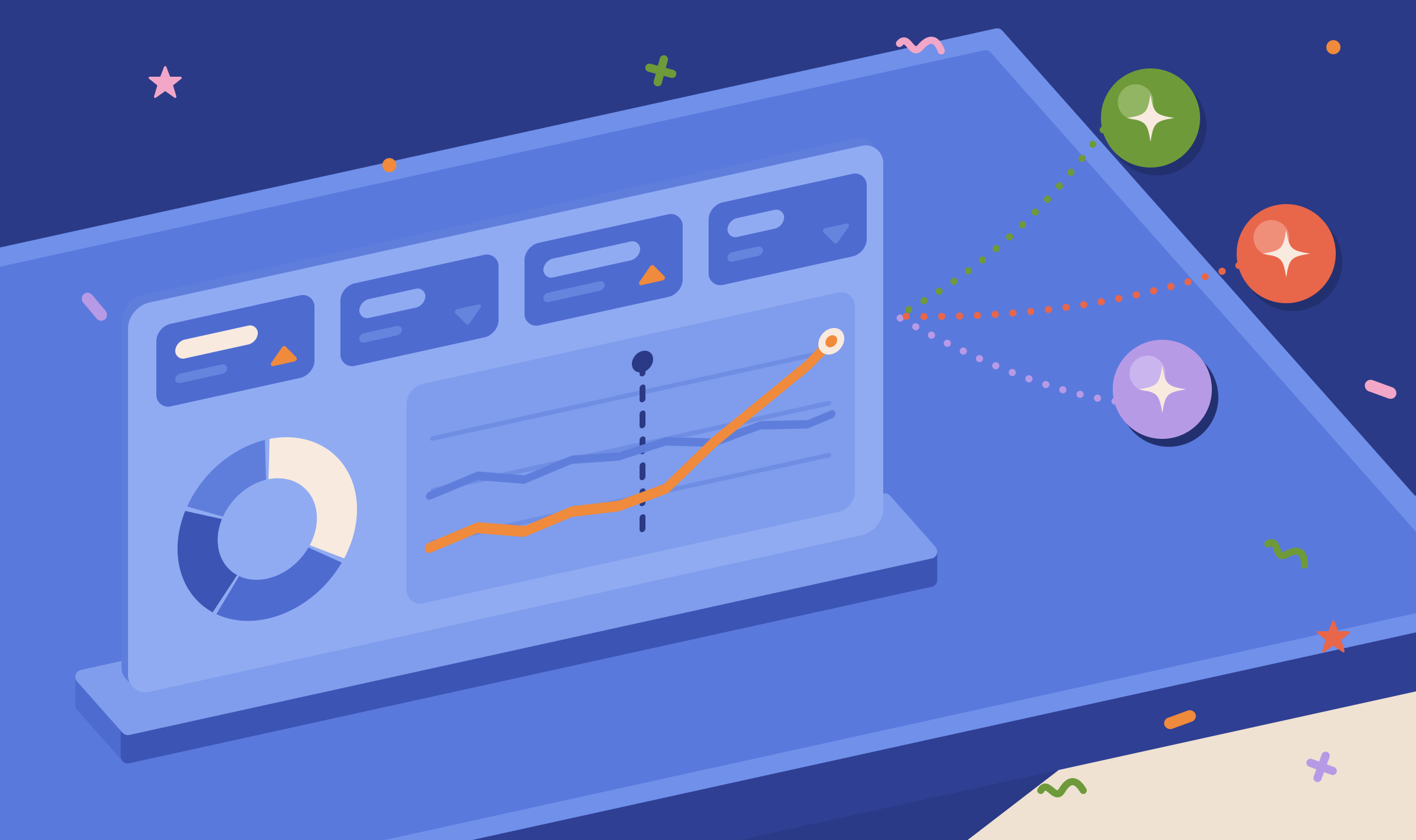
The Dashboard is the overview of a project: it turns thousands of tracked AI answers into your share of mentions and citations per platform and per entity, so you can see where you are missing and what changed.

Visibility Tracking
Visibility Tracking asks Google, OpenAI and Anthropic about each of your topics on a schedule and records the brands they recommend and the pages they cite, so you can see whether your work changes your share of the tracked answers over time.
Citation Mining
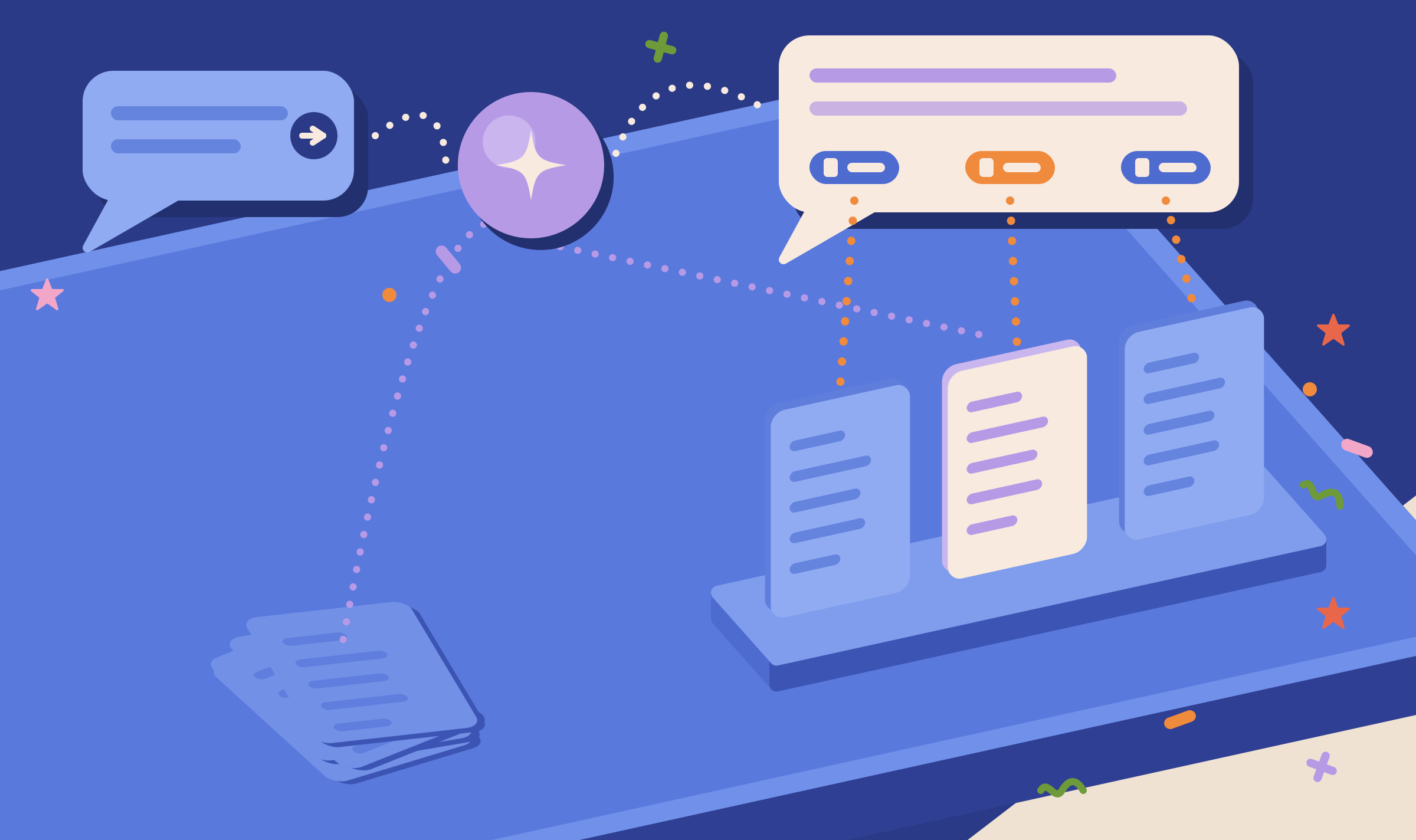
Citation Mining asks AI platforms your prompts with web search on and records the pages they cite and the brands they name, so you can see which sources AI answers use for your topics.
Content Optimizer
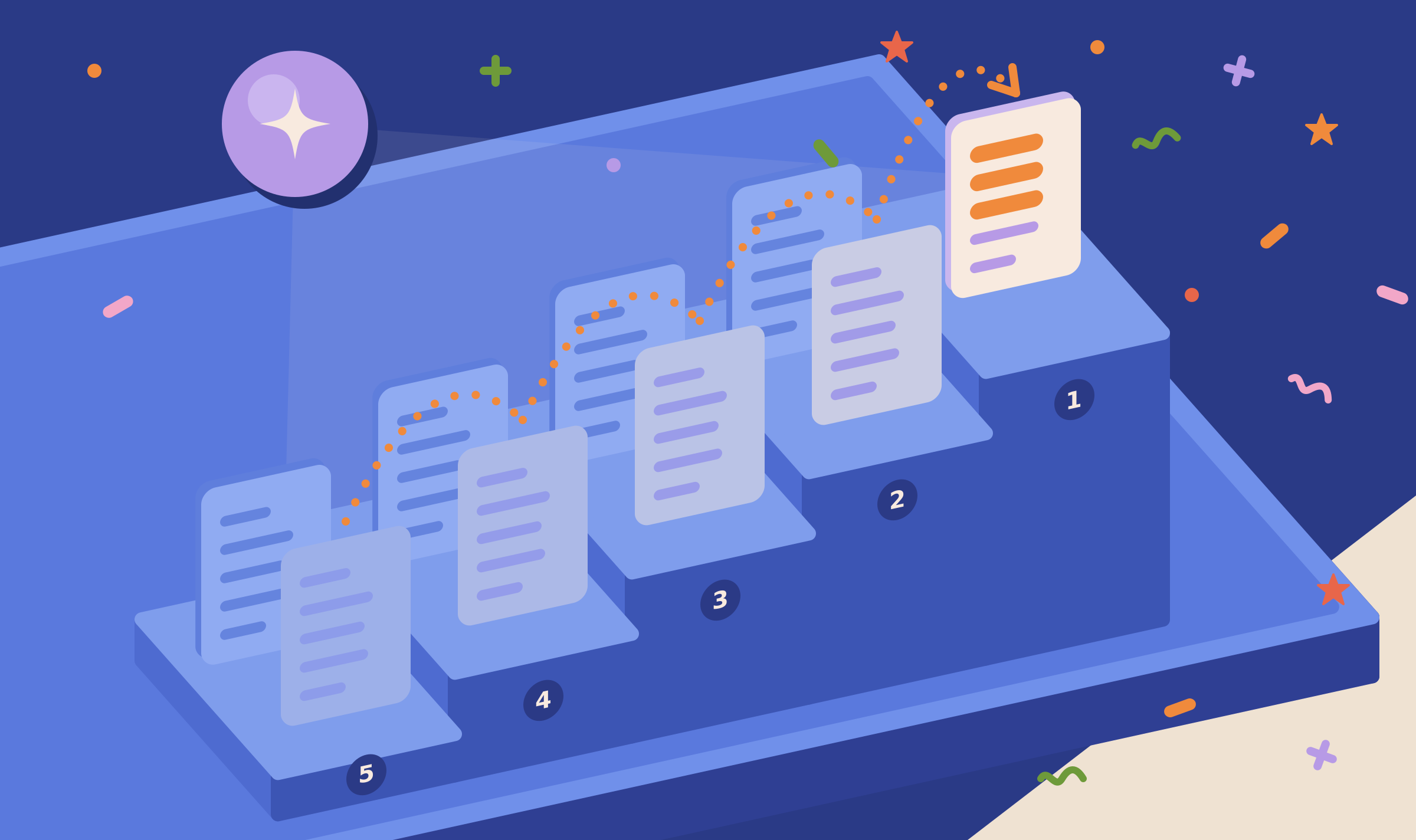
The Content Optimizer simulates how an AI search system picks the page it quotes for a query, then tests edits to your page until the AI ranker places it above the competing pages.
Pages
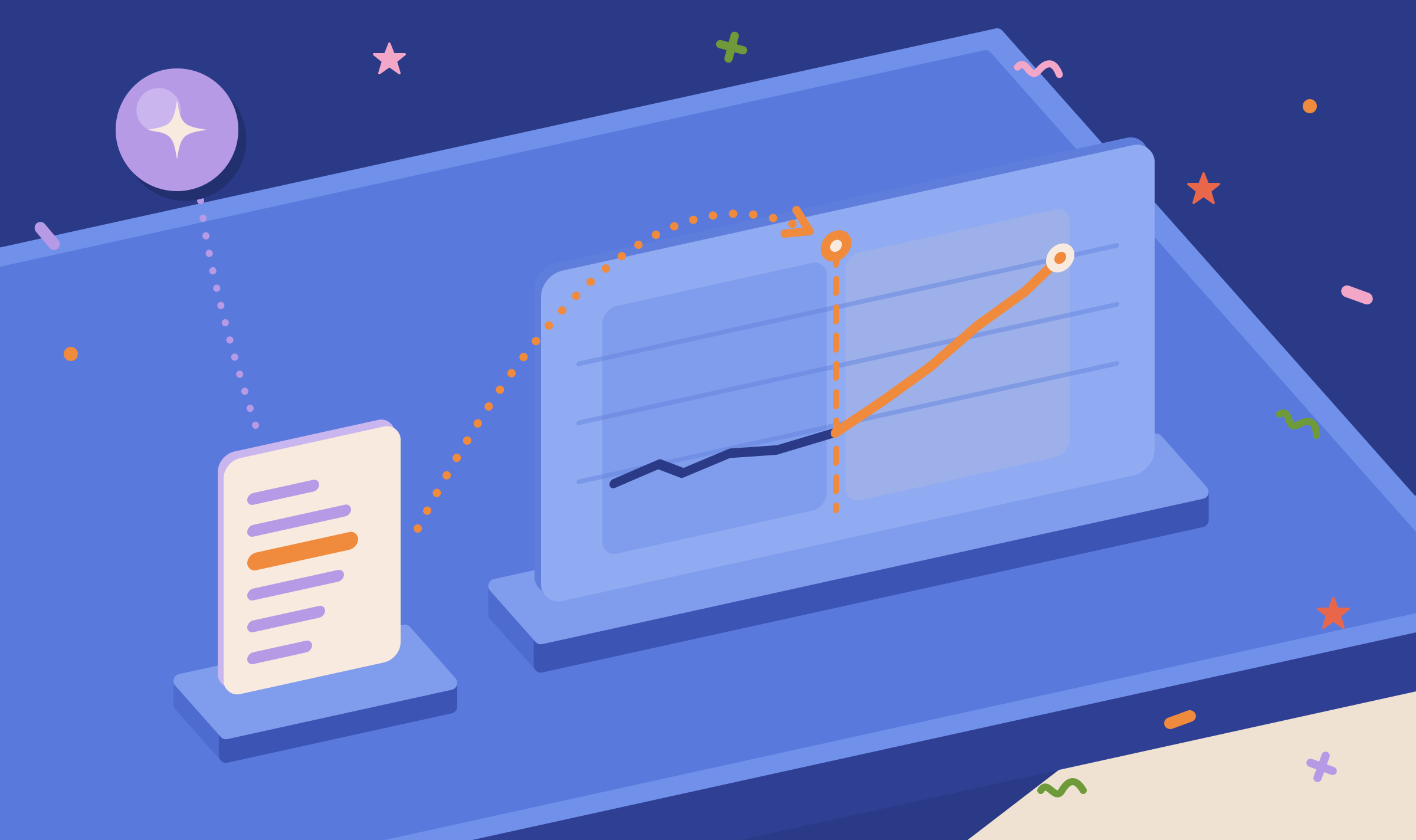
The Pages tab puts a page's Search Console figures next to the AI answers that cite it and compares the days before and after each change, so you can measure what an edit did in classic search and in AI answers.
Running Association Probes
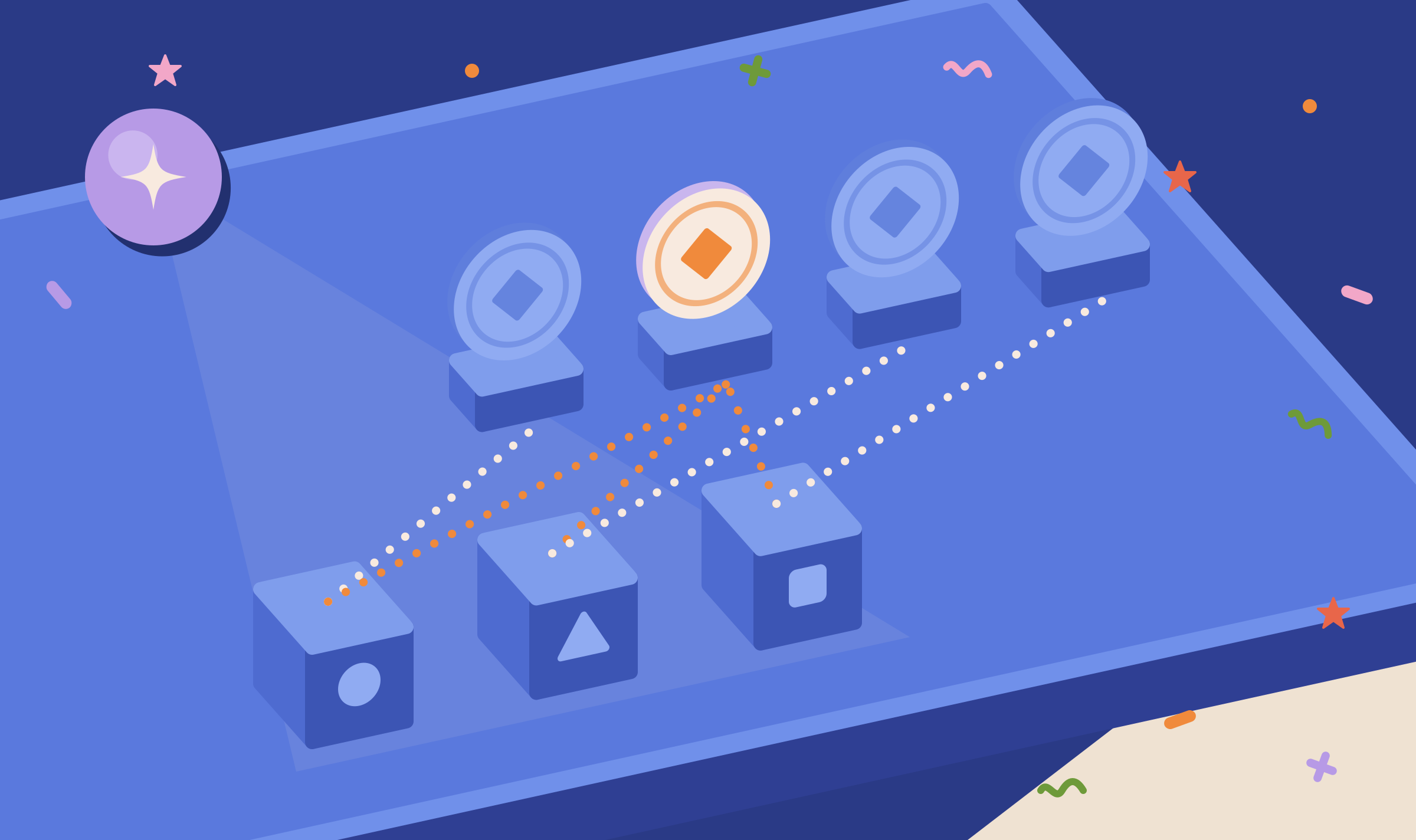
Association probes ask AI models which brands they connect with each of your topics, and what they connect with your brand, so you can see which rivals sit at the centre of your market in the models' memory and where the models have your brand wrong.
Measuring Relevance
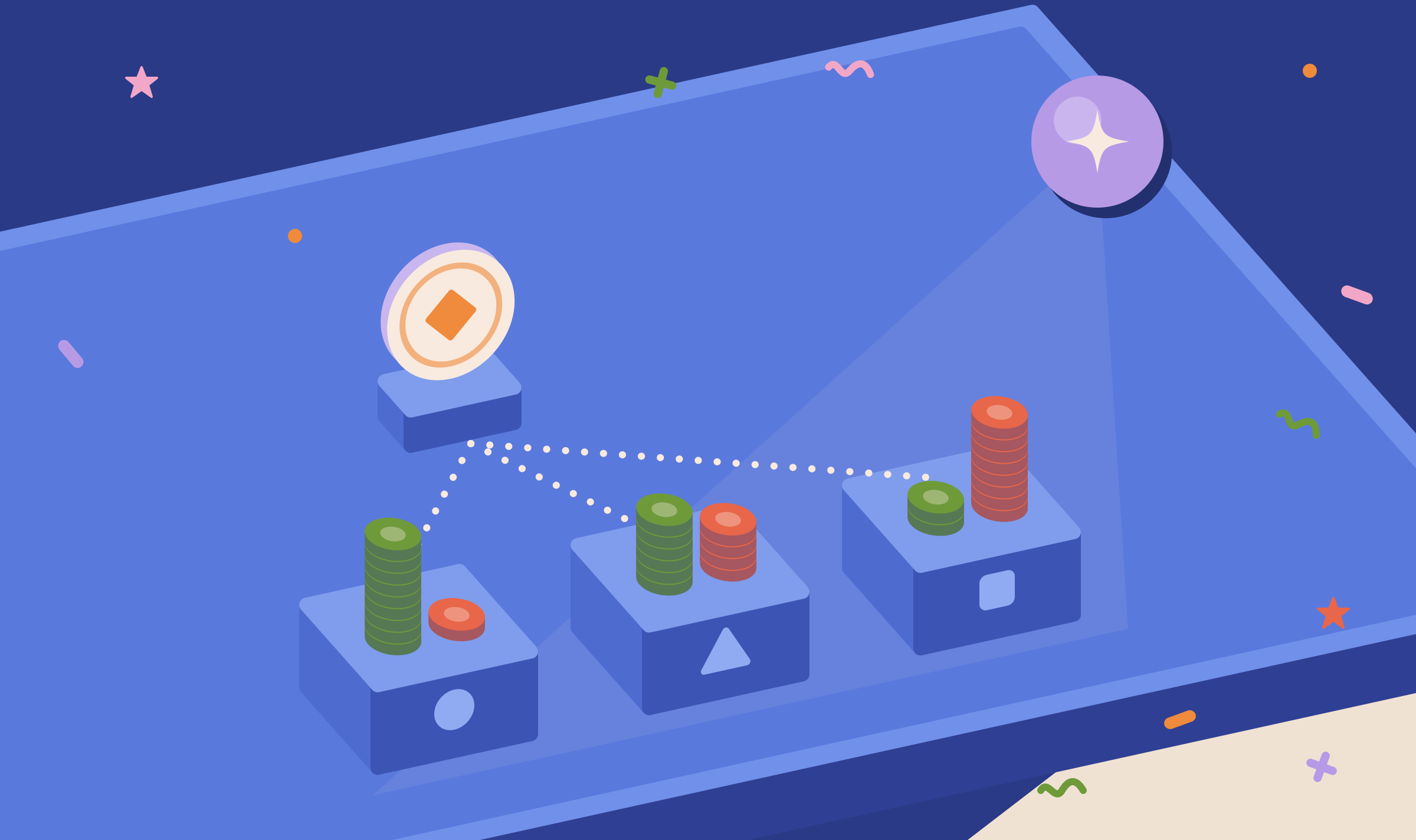
Measuring Relevance asks AI models a yes or no question, many times per topic, about whether they would recommend your brand, so you can see which topics the models do not connect with you.

Benchmark
Benchmark puts your brand and one competitor side by side on every AI visibility metric in your project, so you can see which metrics a rival wins and which you win.

Gap Analysis
Gap Analysis puts your objectives, tracked AI answer data and Search Console data into one pack for an AI model, so the places where your tracked answers and organic search disagree about your brand show up in a single report.

Organic Search
The Organic tab imports your Google Search Console data and ranks every query by its audience and its position, so you can pick the queries and pages to optimize first.

Intent Classification
Intent Classification tags each of your Search Console and AI fan-out queries with intent labels or with your entities, so a list of hundreds of raw queries becomes groups you can filter, count and act on.
Grounding Inspector
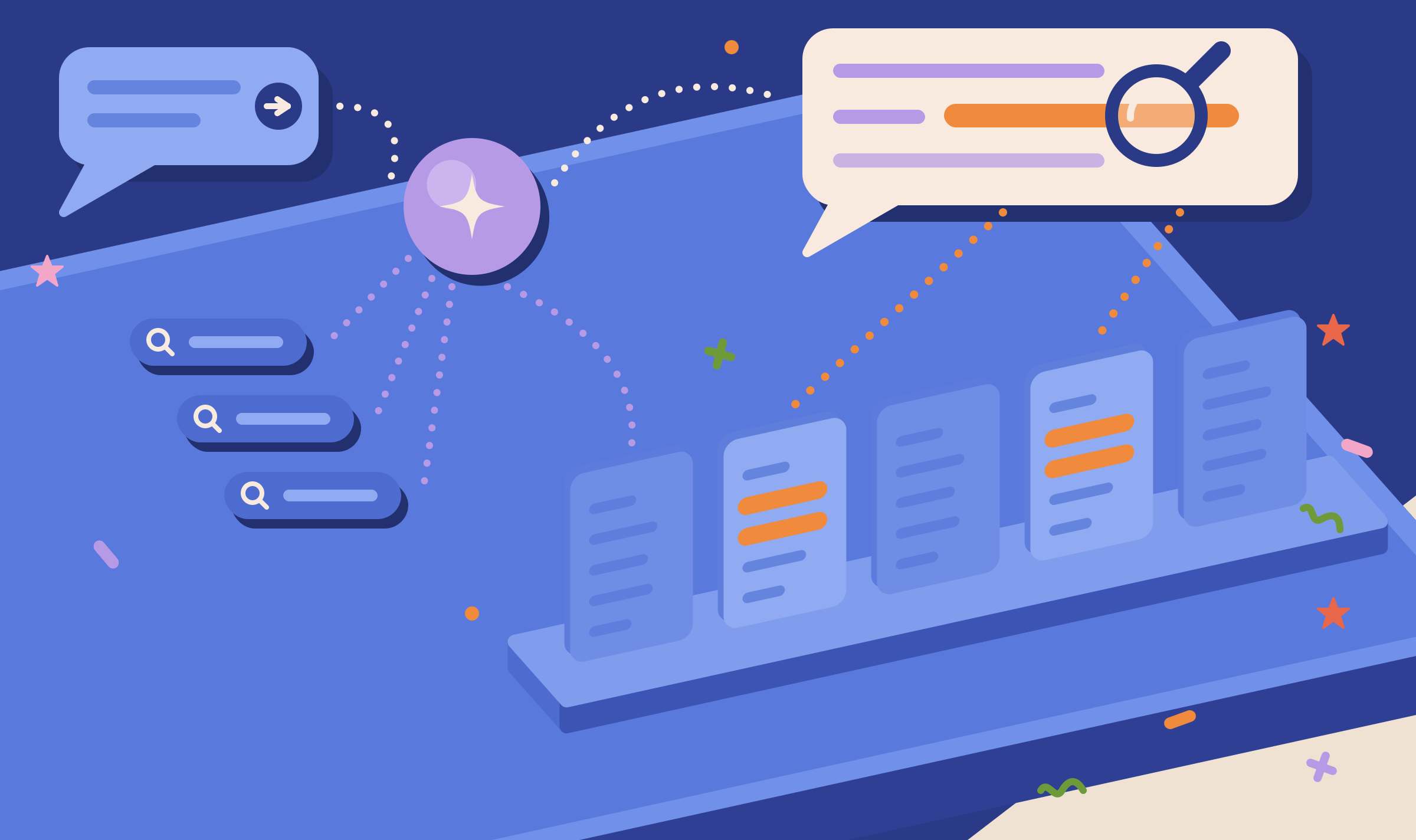
The Grounding Inspector runs one query through the web search of Google, OpenAI or Anthropic and shows the answer, the searches behind it and the text of every source, so you can see why a page was or was not cited.

Page Grounding
Page Grounding has a Google model, searching only your domain, mark the lines of your page that match each of up to 10 queries, so you can see which parts of the page AI search can use and which parts it skips.
Veracity
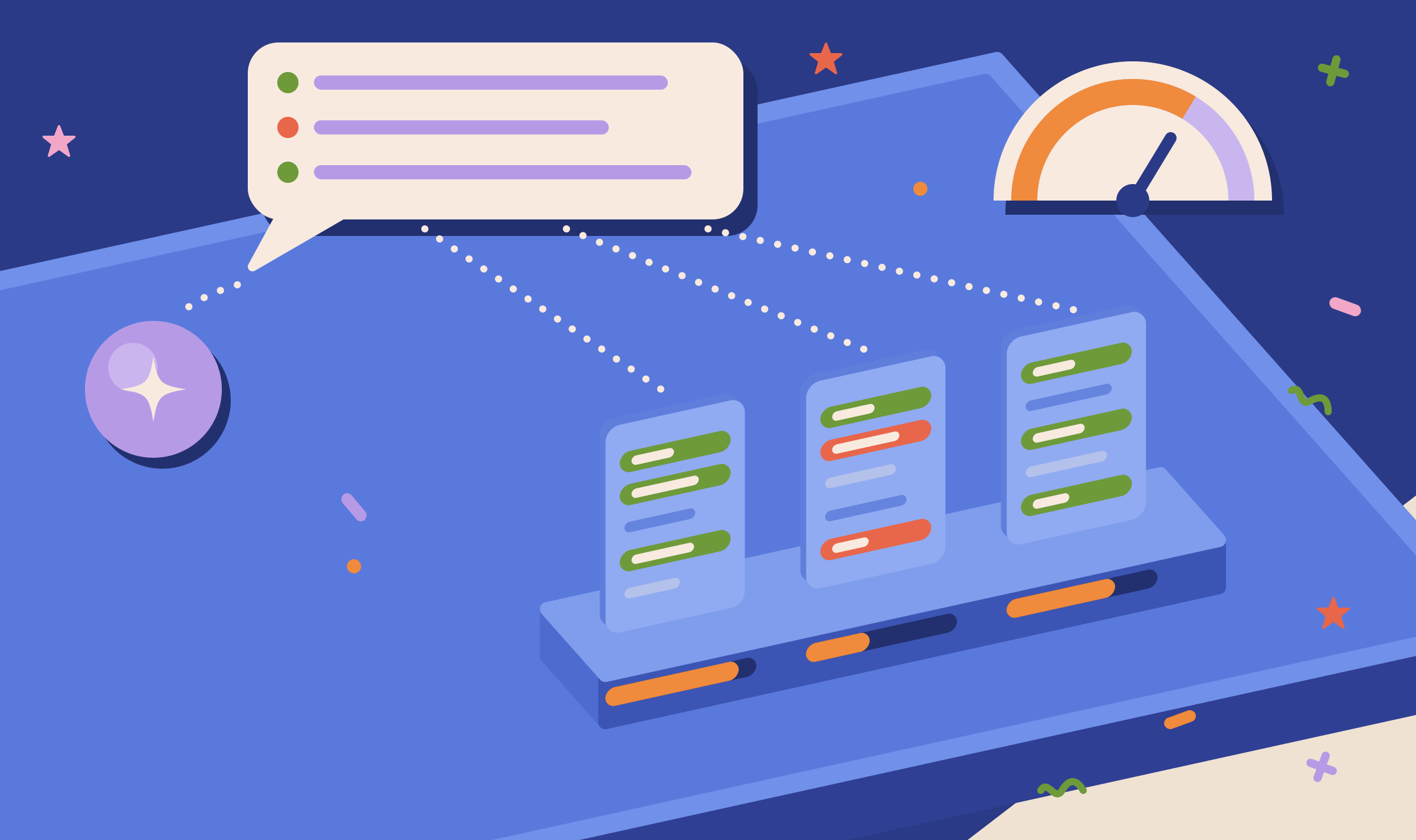
Veracity runs a grounded Google search, reads every page the answer cites and compares the two, so you can see which facts from each source survived in the answer, which were lost and which were distorted.

Treewalker
Treewalker lists what an AI model associates with your website from memory and with web search, and follows the words it nearly chose instead, so you can find the associations that are out of date or missing.

Prompt Generator
The Prompt Generator writes 10 to 100 citation prompts at a time from your project context, a page, a query, an entity or an industry, so you can test AI answers across the questions you choose to test without writing each prompt by hand.

Prompt to Query
Prompt to Query converts between long AI prompts and the short keyword queries search systems run, so you can match AI prompts to the keywords you already track and target.
Entity Search
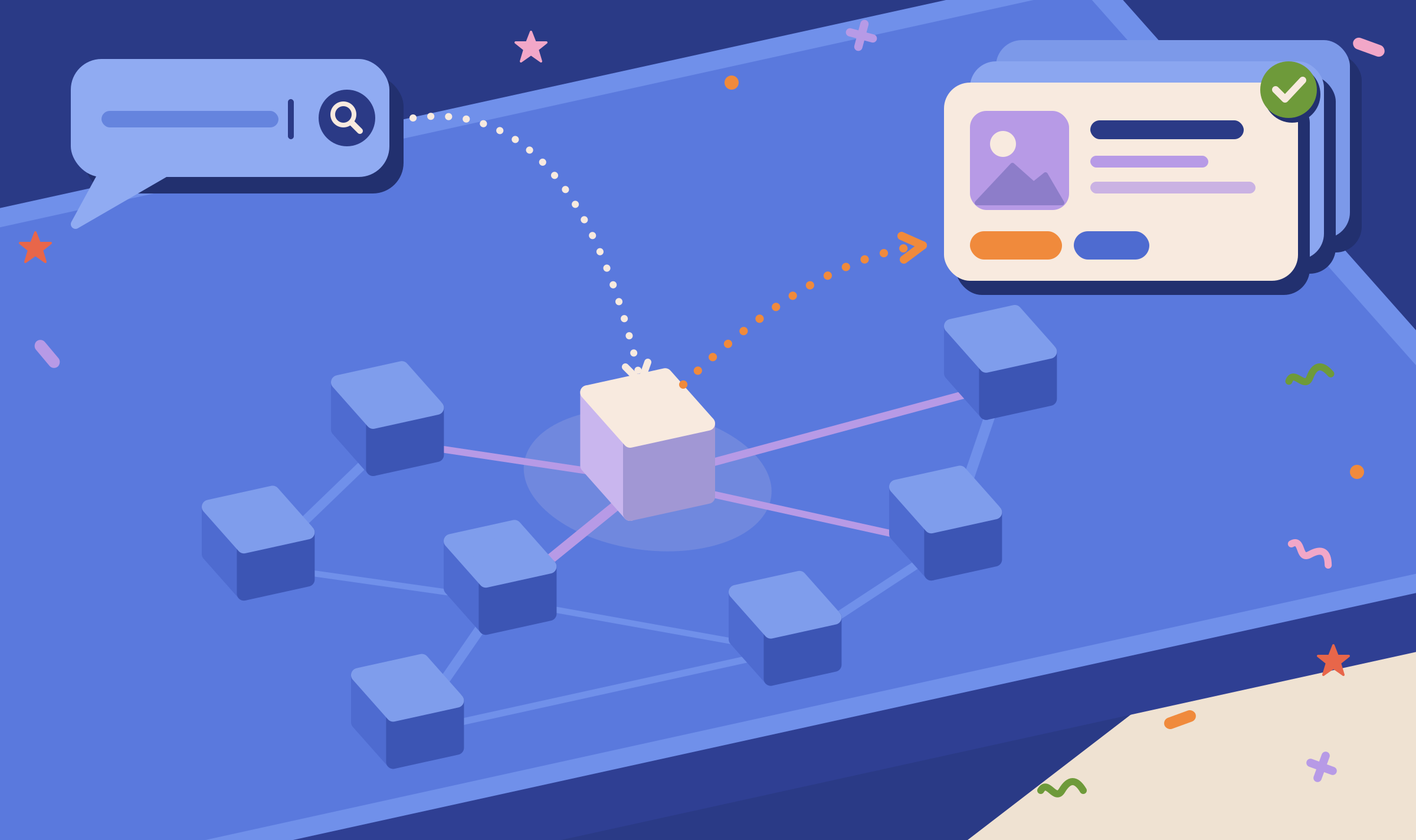
Entity Search looks up a name in Google's Knowledge Graph, the entity database behind knowledge panels, so you can see whether Google lists your brand or topic as a known entity or confuses it with something else.

Page Focus
Page Focus gives one page to Google, OpenAI and Anthropic and shows what each platform reads it as being about, so you can check that AI systems match your page to the topic you wrote it for.
Semantic Compressor
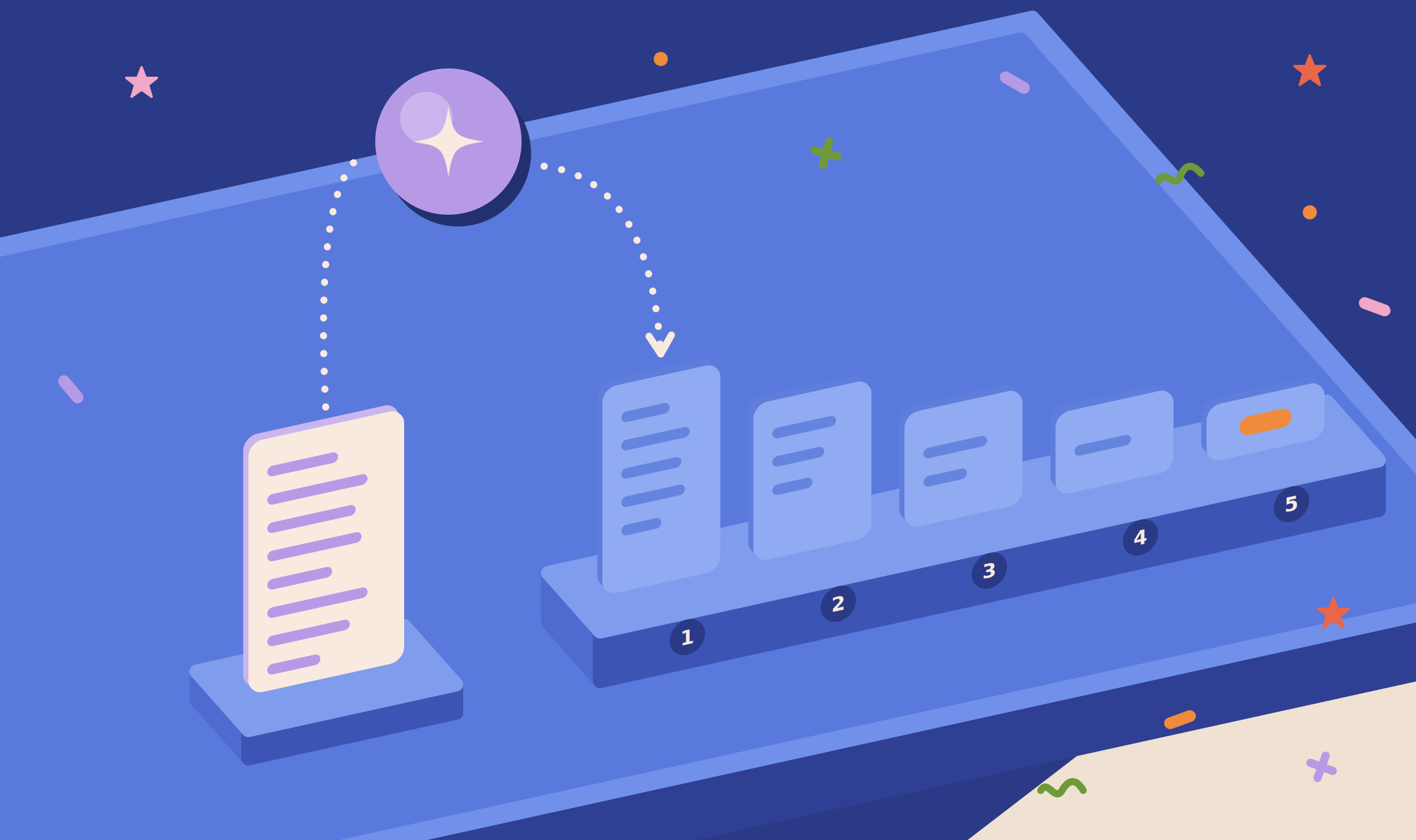
The Semantic Compressor writes five summaries of a page or a text, each shorter than the last, so you can check what your page reduces to before an AI answer reduces it for you.

Link Integration
Link Integration reads a page in two passes, one that picks out the money links from the filler links around them and one that scores every word as possible anchor text, so you can see how a placed link looks to a classifier and where a new link fits.

Outreach
Outreach is a writer and a checker working against each other: the Writer drafts off-site articles that carry your link, and the Checker tries to find the placed link, so you only publish articles where your link reads like the other references.
Link Monitor
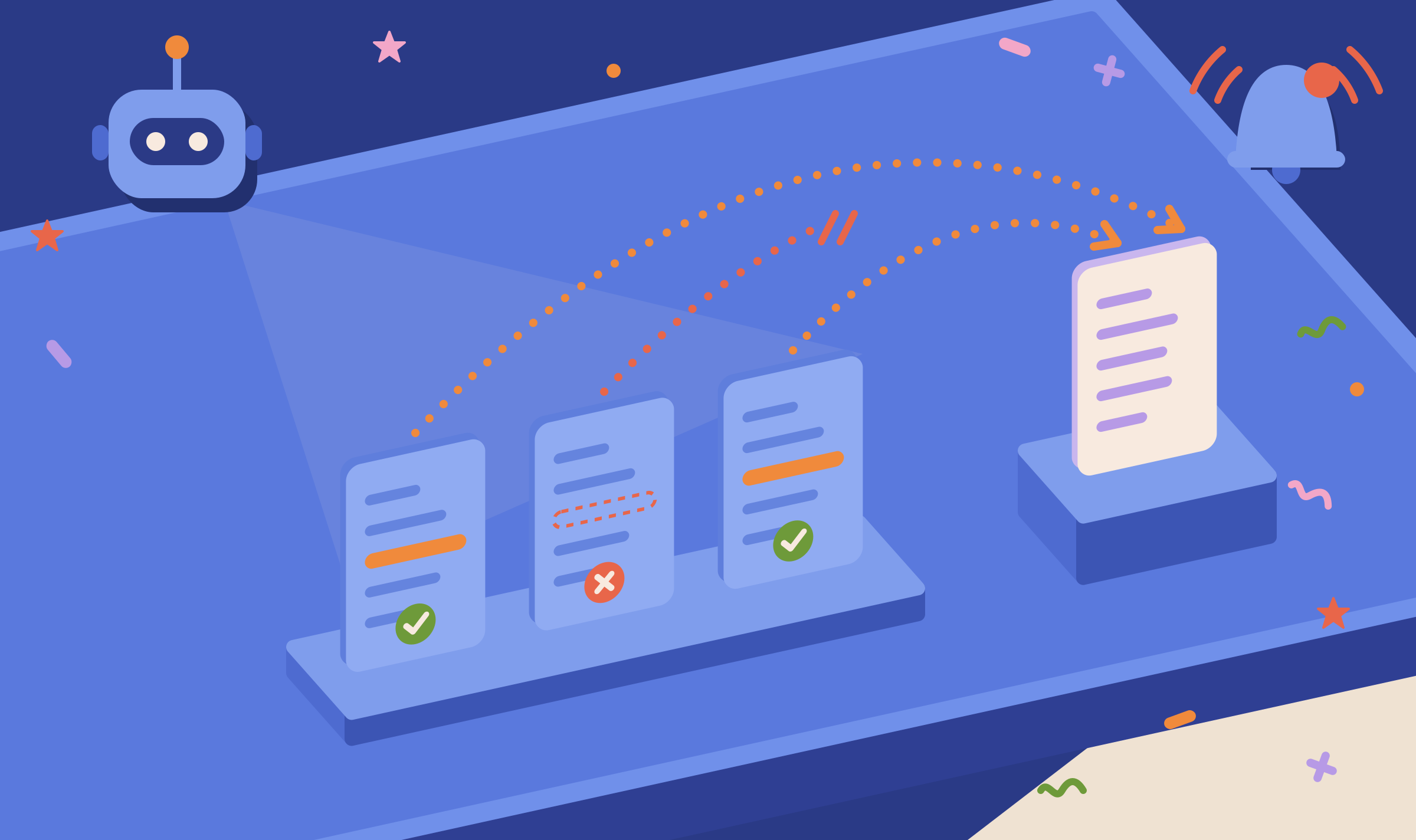
Link Monitor checks every week that the links you placed on other sites are still there, and tells you which links were removed or whose pages are gone.
Backlinks
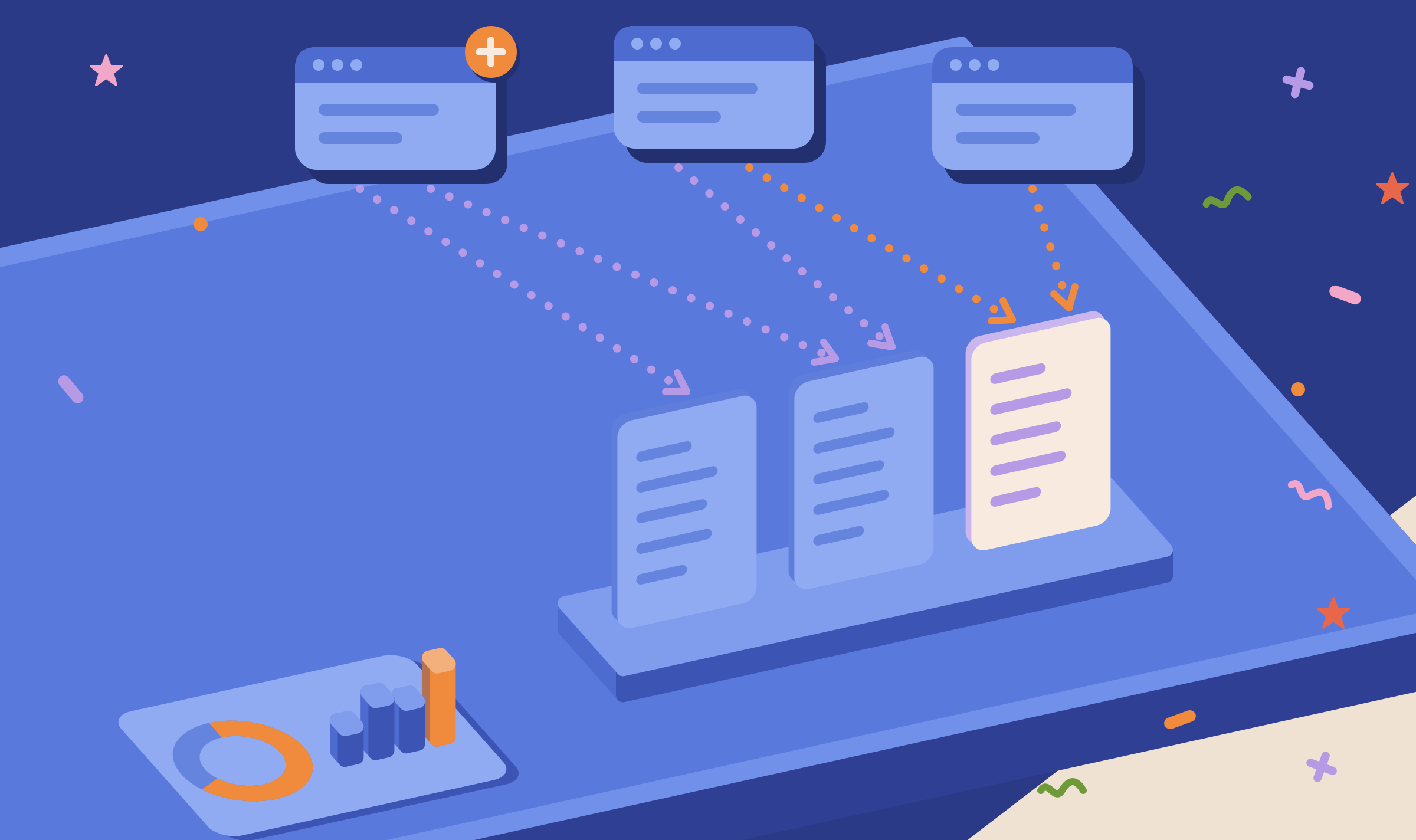
Backlinks pulls the backlink profile of your domain or any domain you name, and lists the sites that link to your competitors and not to you, so you have a link-building shortlist inside the same project as your AI visibility data.
Reports
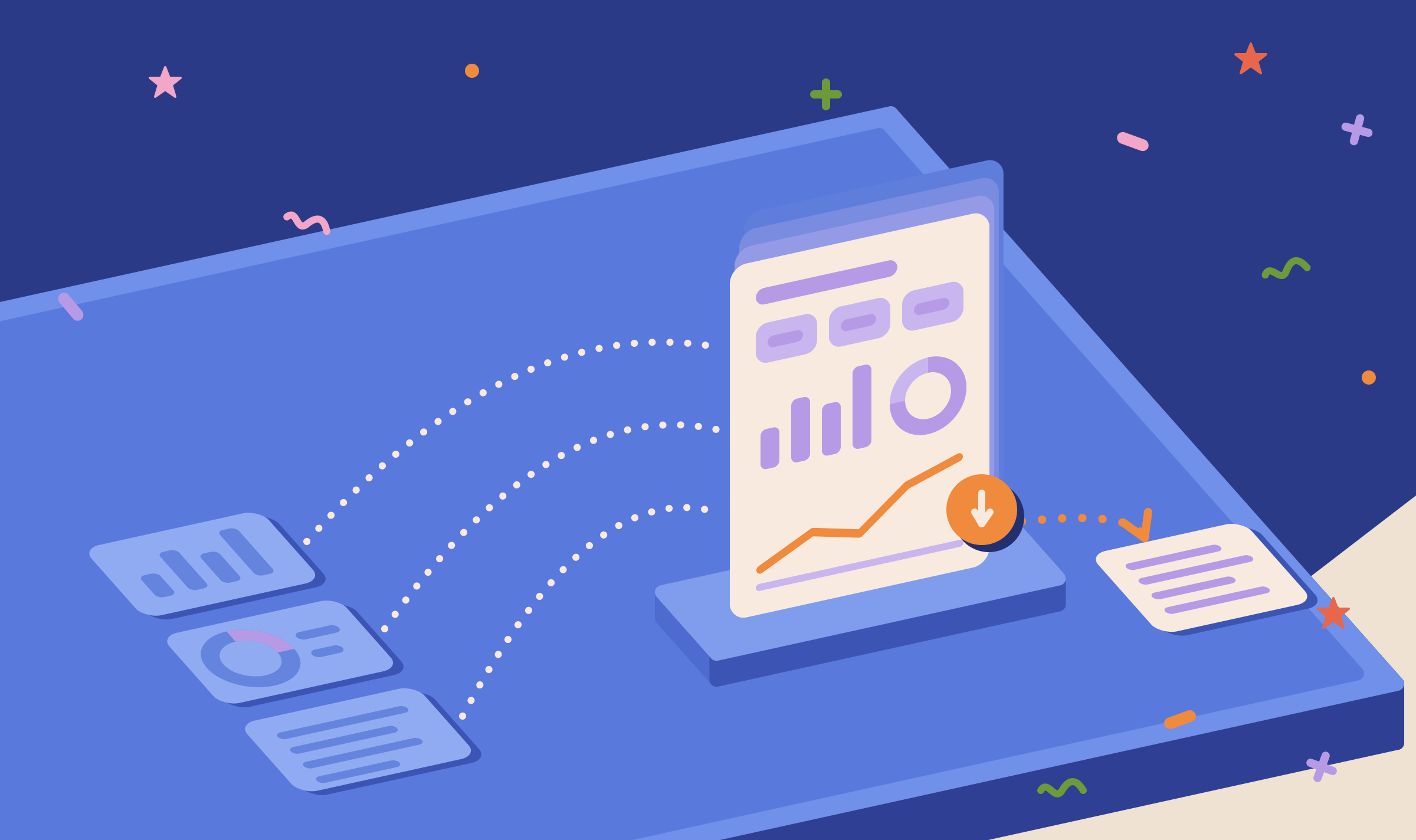
The Report tab packs every metric in a project into one standalone HTML file, so people without a DEJAN App login can read your AI visibility results in a browser or as a PDF.

Sharing with Other Users
Sharing adds people to a project by email as an Editor or a Viewer, so everyone works from one set of runs and results instead of rebuilding the project in separate accounts.
MCP Self-Service
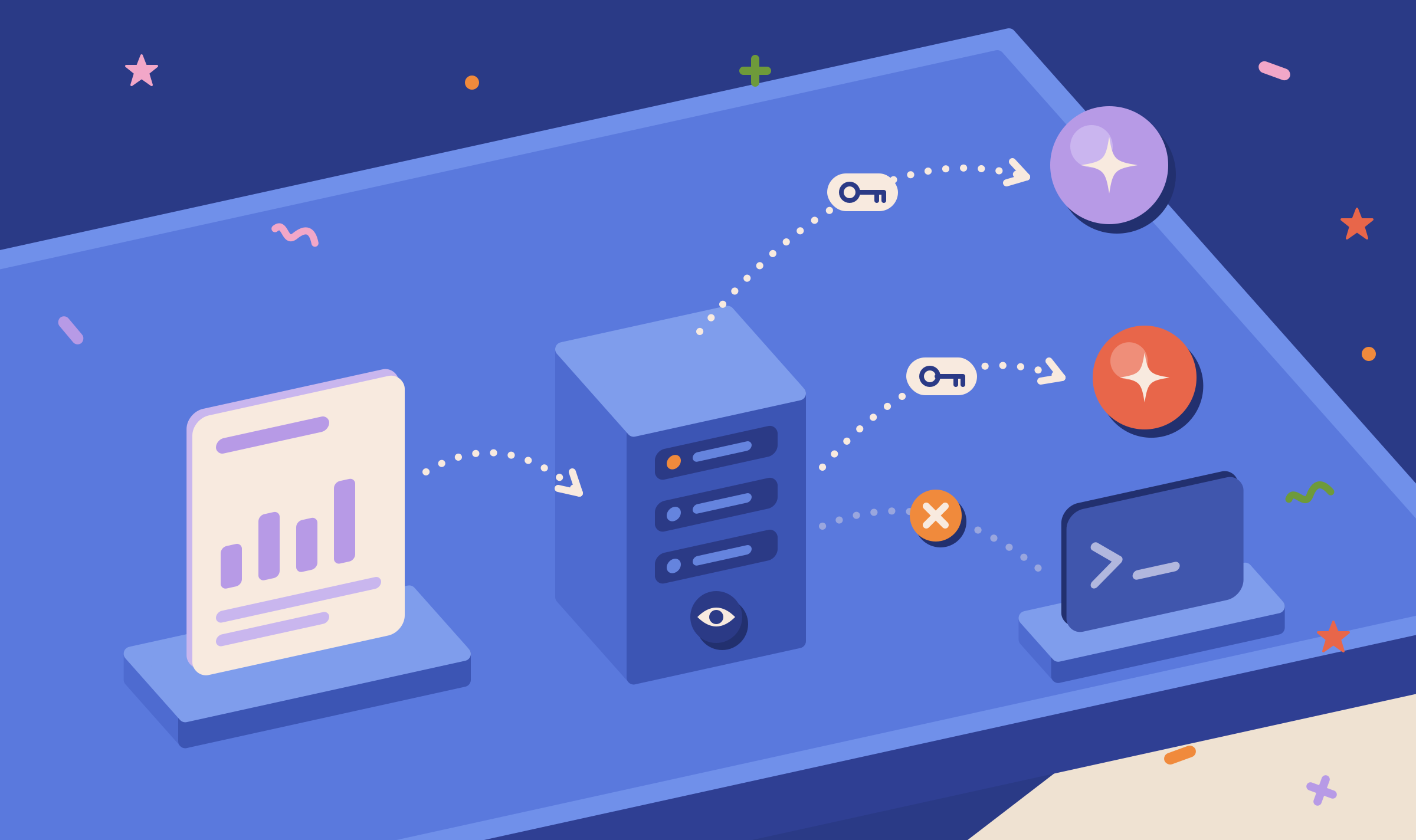
The DEJAN App MCP server lets an AI assistant or a script read your projects' visibility, citations, organic and optimizer data directly, so you stop copying exports between tools.
Start your first project
Your first project includes a complimentary baseline run. No card required.