
Check whether Google's Knowledge Graph knows your brand and topics
Entity Search looks up a name in Google's Knowledge Graph, the entity database behind knowledge panels, so you can see whether Google lists your brand or topic as a known entity or confuses it with something else.
Start at app.dejan.ai
The problem: Google may not know your brand, or may know a different thing by that name
Google keeps a database of known entities: people, companies, products, places and concepts, each with an ID, a type and a description. Knowledge panels are built from it. A brand that is not in it, or a topic whose name points to a different entity, has no ID for Google to attach facts to.
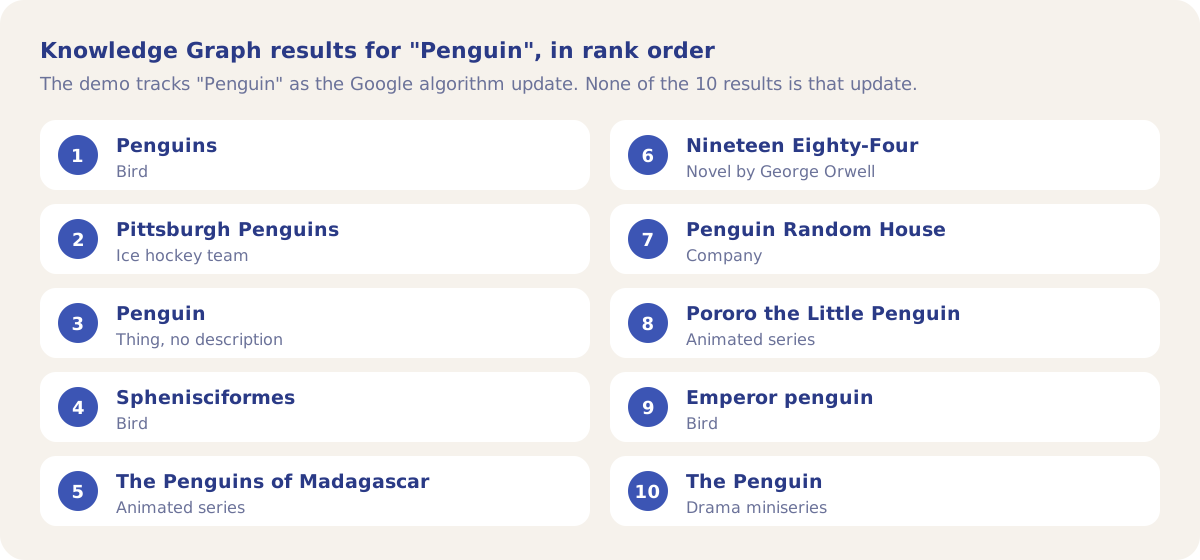
Here is an example from our public demo project. Algoroo tracks Google rank volatility. A Knowledge Graph lookup for "Algoroo" returns 1 result, a music album called "Algoroove Takes". The demo tracks "Penguin" as a topic, meaning the Google algorithm update; the lookup returns 10 results, and none of them is that update.
How Entity Search solves it
Entity Search sends the name you type to Google's Knowledge Graph and shows up to 10 matching entities as search-style result cards. Each card has the entity's name, its types (such as Organization or MusicAlbum), its description, its Knowledge Graph ID, and links to its website and its Wikipedia article where Google has them. You can see in one lookup whether the name resolves to your entity, to another entity, or to nothing.
The four lookups below are names from the demo project: its brand and three of its tracked topics. They are stored results from earlier lookups, dated 13 August 2026 for Algoroo and Penguin and 25 June 2026 for SEO. SERP volatility returned no results, so it is not stored.
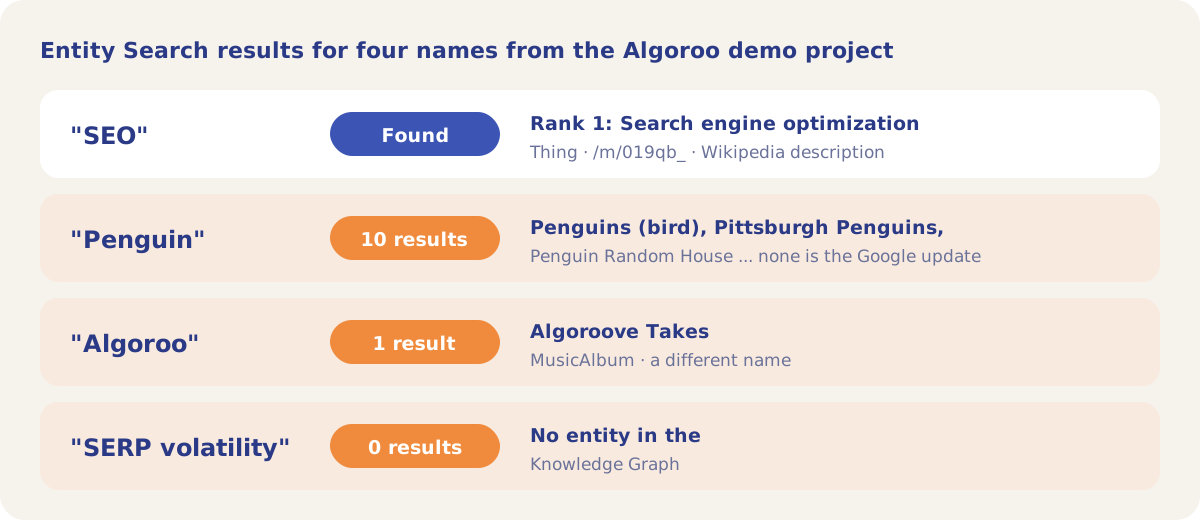
"SEO" is the case that works: the first result is "Search engine optimization", ID /m/019qb_, with the Wikipedia description. "Penguin" shows the opposite case. The name is in the Knowledge Graph many times over, as birds, a hockey team, a publisher and three TV series, so a page that says "Penguin" without "Google" or "algorithm" gives Google nothing to tell them apart.
Lookups are free. A name that returns results is stored, so a repeat lookup shows the stored cards. A name with no results is looked up again each time. The tool is in the Tools menu of every project and is open to every signed-in user.
How it works
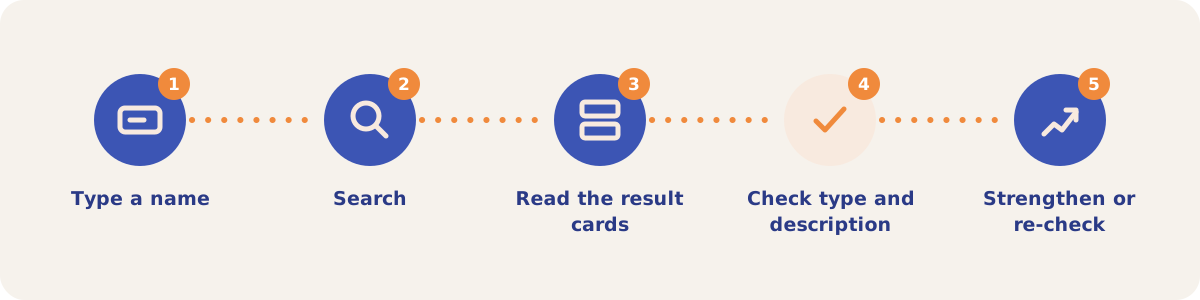
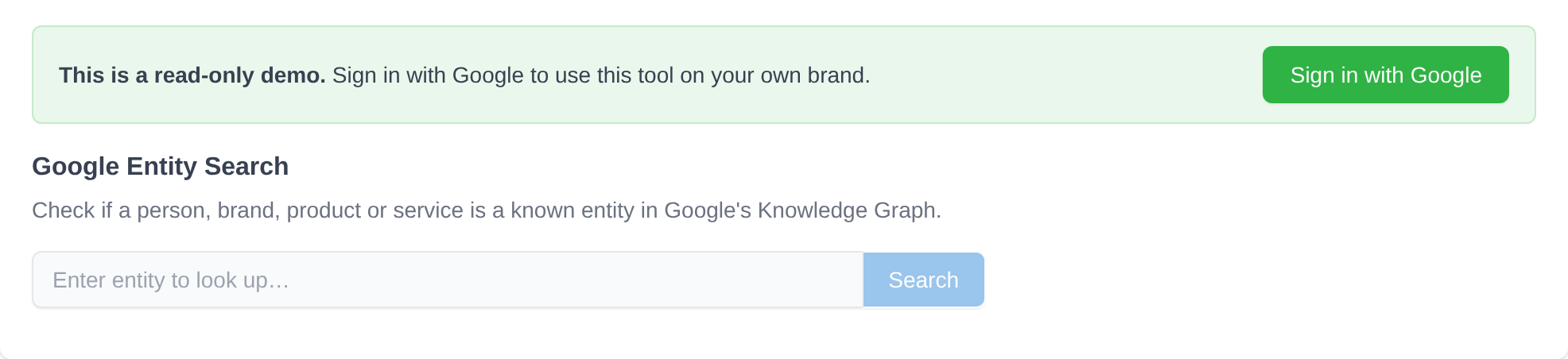
- Type a name. Open Tools, then Entity Search, and enter a brand, person, product or topic.
- Search. Click Search. The status line says how many results came back and adds "(cached)" when they came from an earlier lookup.
- Read the result cards. Each card shows the name, the website or Wikipedia link, a description, the entity types and the Knowledge Graph ID. Raw JSON opens the full record.
- Check type and description. A match on the name is not enough. Check that the type and description describe your entity: "Algoroove Takes" is a MusicAlbum, and "Penguins" is a bird.
- Strengthen or re-check. When the right entity is missing or outranked, add the disambiguating words to your pages and profiles. A repeat lookup of the same name returns the stored cards, so check again later with a variant of the name.
What a result card shows
| Field | What it tells you |
|---|---|
| Name and link | The entity name, linked to its website or, when there is none, its Wikipedia article. |
| Description | The start of the entity's article text, or its short description when there is no article, up to 360 characters. |
| Types | The schema types Google gives the entity, such as Thing, Organization, Corporation, Person or MusicAlbum. |
| IDs | The Knowledge Graph ID (googleKgMID), such as /m/019qb_ for search engine optimization. |
| Website, Article, Image | Links to the entity's site, its Wikipedia article and its image, where Google has them. |
| Raw JSON | The full record as Google returned it. |
Strategies and use cases
- Look up your brand first. For Algoroo the only result is a music album, so Google has no entity for the brand.
- Look up your tracked topics. A topic with 0 results, such as "SERP volatility", has no entity to rank against. A topic that resolves to a well-known entity, such as "SEO", is one Google already understands.
- Find ambiguous names. When a short name returns unrelated entities, as "Penguin" does, use the longer name on your pages ("Google Penguin update") and look that name up too.
- Check competitors. Look up the brands named next to yours in the tracked answers to see which of them have an entity and which do not.
- Re-check after changes with a new spelling. Results are stored per name, so a repeat lookup of the same name returns the stored cards. A variant of the name, such as "Algoroo SEO", runs a fresh lookup.
How it connects to the rest of the app

Visibility Tracking
Asks AI platforms about your tracked entities on a schedule and records the brands they name.
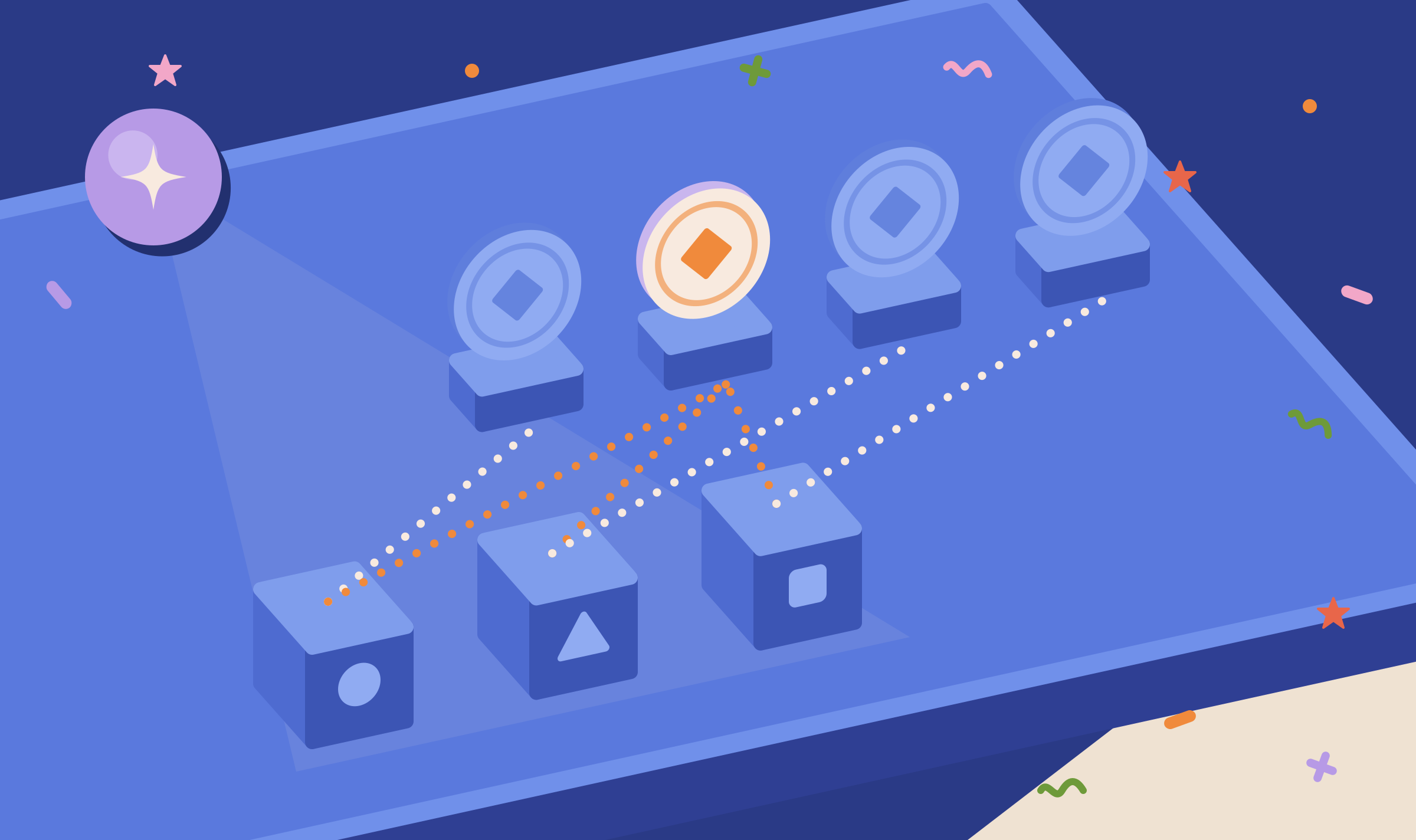
Association Probes
Finds which brands AI models associate with each of your entities.
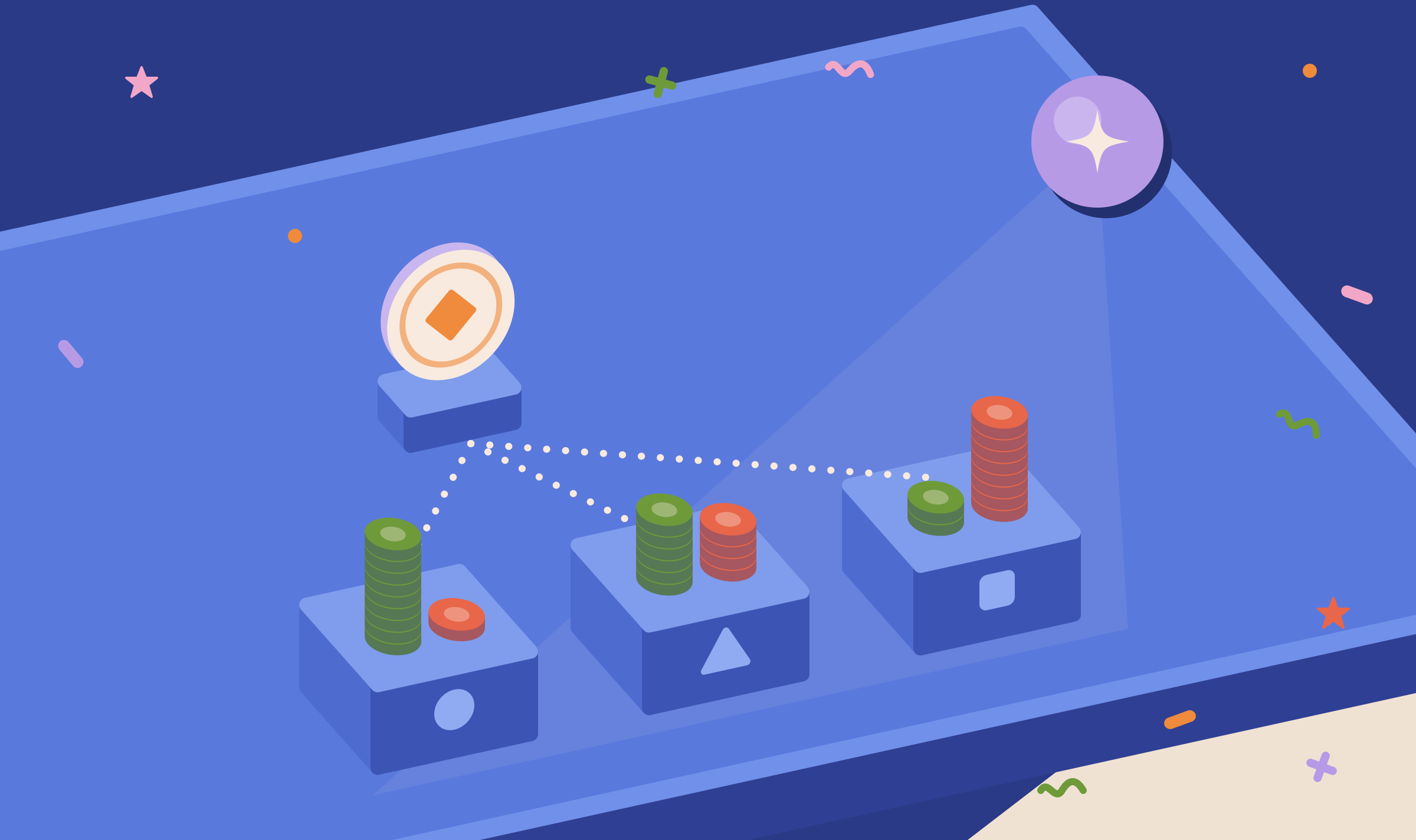
Measuring Relevance
Measures how relevant AI models consider your brand to each entity.
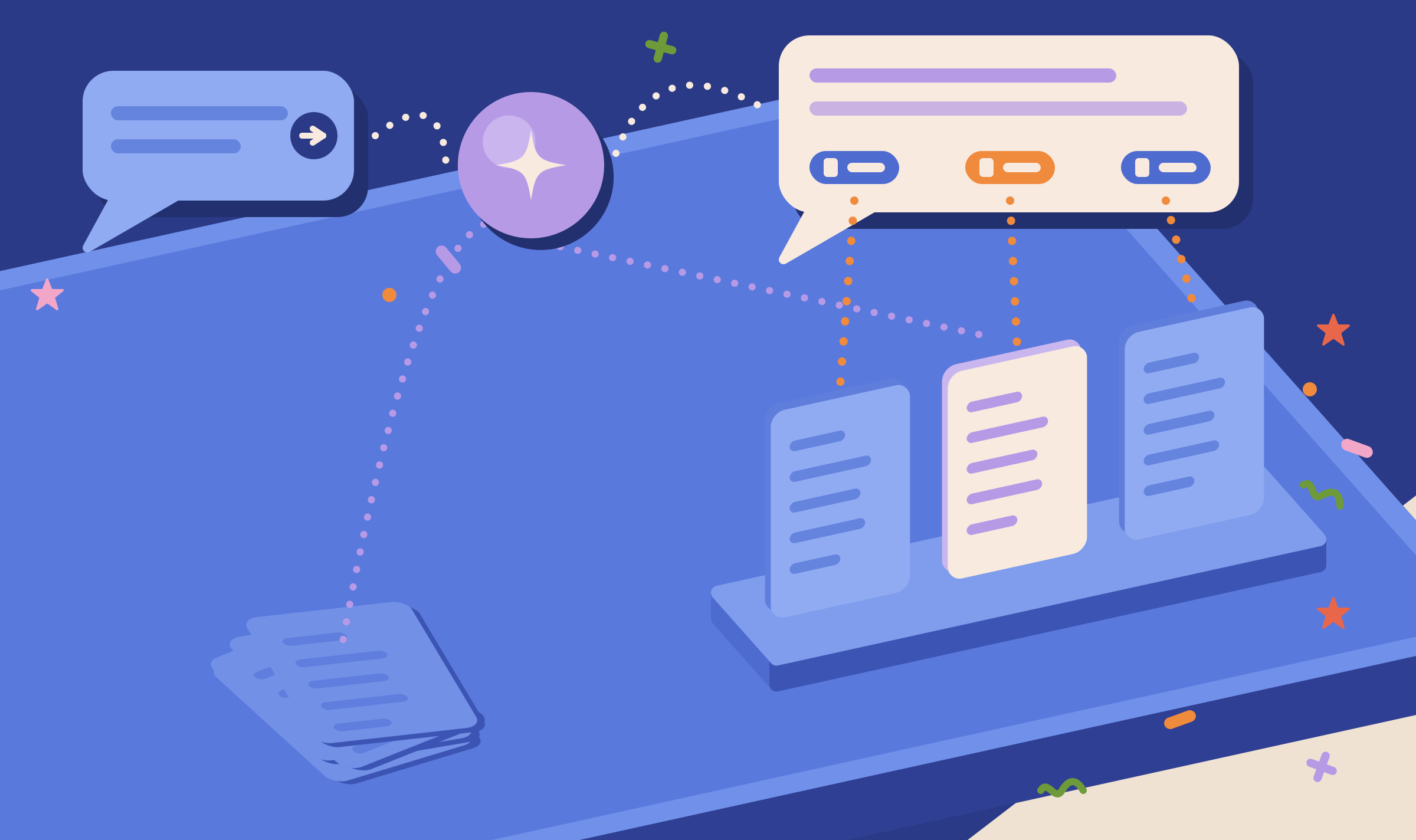
Citation Mining
Shows which pages the tracked answers cite for your entities.

Page Focus
Shows the topics Google, OpenAI and Anthropic find in one of your pages.
Open Entity Search in the demo project to see the tool, and the demo project's entity list for the topics it tracks.
Check your brand in the Knowledge Graph
Your first project includes a complimentary visibility baseline. No card required.