
See every source an AI answer received, and which ones it cited
The Grounding Inspector runs one query through the web search of Google, OpenAI or Anthropic and shows the answer, the searches behind it and the text of every source, so you can see why a page was or was not cited.
Start at app.dejan.ai
The problem: you see the AI answer, but not the pages behind it
An AI answer shows a few links at most. The searches the system ran, the pages it read and the passage each claim came from are hidden. When your page is missing from an answer, you cannot tell whether it was never retrieved or was retrieved and left out, and those two cases need different fixes.
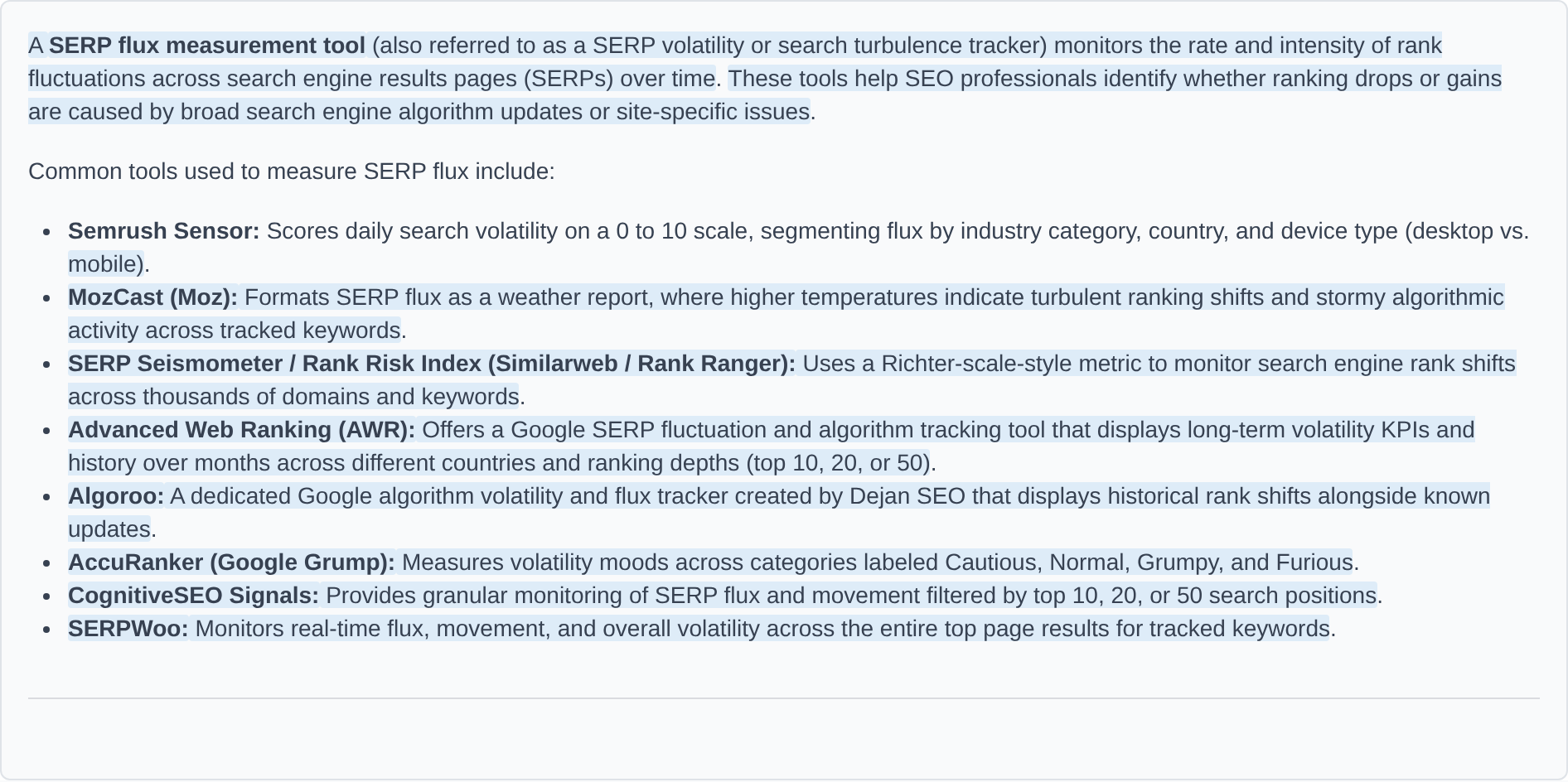
Here is an example from our public demo project. Algoroo tracks Google rank volatility. Google's answer for "SERP flux measurement tool" lists eight tools and names Algoroo fifth. No page on algoroo.com was among the sources behind that answer.
How the Grounding Inspector solves it
The Grounding Inspector sends your query to the platform's own web search and stores everything that comes back: the answer, the passages that cite each source, the search queries the model issued (fan-out queries) and the text captured from each source. A source is selected when the answer cites it and unselected when the model received it without citing it.
In the demo run for "SERP flux measurement tool" on 4 October 2026, Google issued two fan-out queries, received 6 sources and cited all 6.

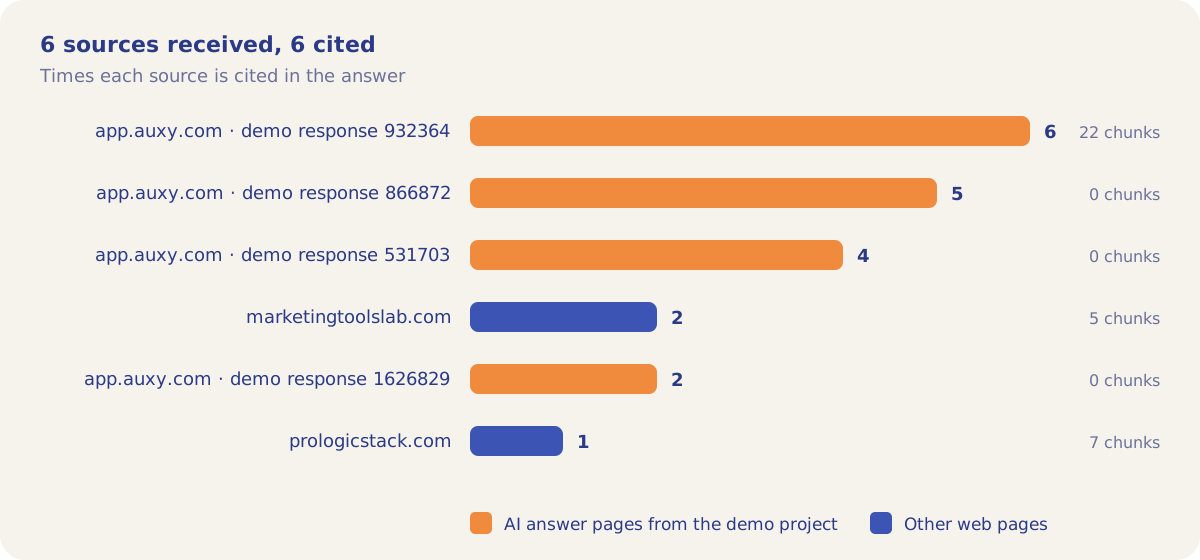
The line about Algoroo cites two of those demo answer pages, response 531703 and response 1626829, and no page on algoroo.com. Three of the six sources show 0 chunks, which means the run captured no text from them.
How it works
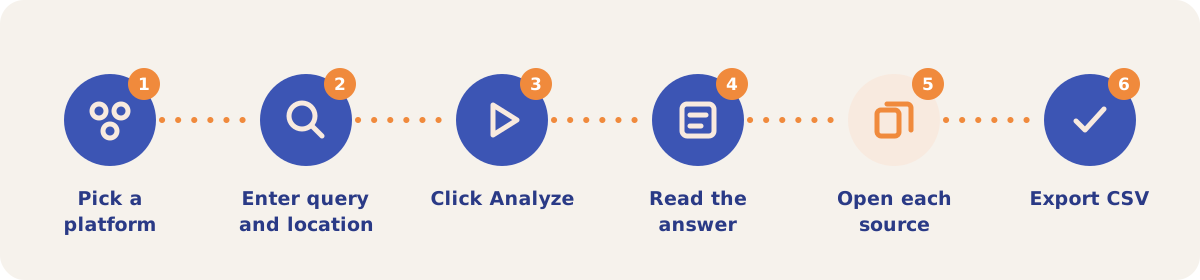
- Pick a platform. Choose Google, OpenAI or Anthropic from the pills at the top of the Grounding Inspector, in the Tools menu.
- Enter a query and a location. Location is optional. On OpenAI, also pick the Context size: Low, Medium (the default) or High. Higher returns more sources and longer snippets, and costs more.
- Click Analyze. A run is one grounded call. A Google run takes about a minute and runs in the background, so you can leave the page and come back.
- Read the answer. Grounded passages are highlighted. Hover to light up a whole passage and click it to see the sources behind it. The fan-out queries and the Google search suggestions sit between the answer and the sources.
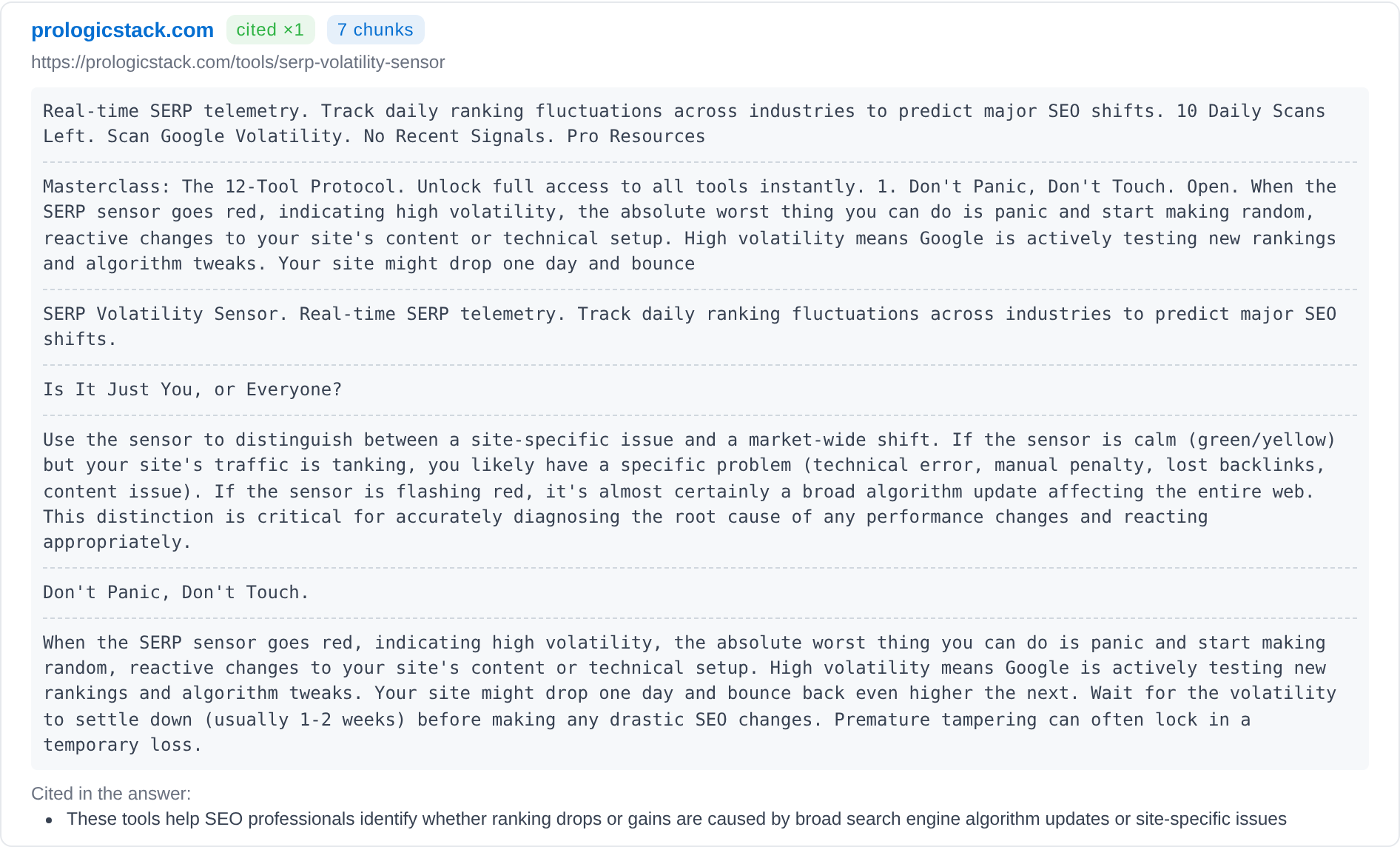
- Open each source. Every source card shows how many times the answer cites it (or "not cited"), the number of chunks captured, the resolved URL, the captured text and the answer passages it backs.
- Export CSV. Every run is kept under Saved Runs with View and Del buttons. Export CSV downloads all of them.
Platforms
| Platform | Run time | What is specific to it |
|---|---|---|
| About 1 minute, in the background | Real source URLs resolved from Google's redirect links, the passages each source backs, fan-out queries and Google search suggestions. | |
| OpenAI | About 20 seconds | Context size (Low, Medium, High). Each snippet is the window the model read, about 100 words for news and about 200 for web pages and Reddit, so it is not the full page. |
| Anthropic | About 2 to 3 minutes | Query and Location only. Source cards show the start and end lines of each snippet, not the full text. |
On a pay-as-you-go project each run is billed from the credit balance under Grounding Inspector.
Strategies and use cases
- Find out whether your page was retrieved at all. If your URL is not in the source list, the fix is retrieval (the page has to rank for the fan-out queries). If it is there but unselected, the fix is the content of the page.
- Target the fan-out queries. The model searches with its own phrasings. In the demo run Google searched "SERP flux tool" as well as the query typed in, and that shorter phrase is a ranking target too.
- Check what is said about you on other sites. Reading the captured text of each source shows which wording about your brand Google read.
- Compare platforms on the same query. Run the query on Google, OpenAI and Anthropic. Each platform retrieves a different set of sources, so a page cited by one can be missing from another.
- Read the uncited sources. Sources the model received without citing are marked "not cited". Their captured text shows which pages reached the model and were left out of the answer.
How it connects to the rest of the app
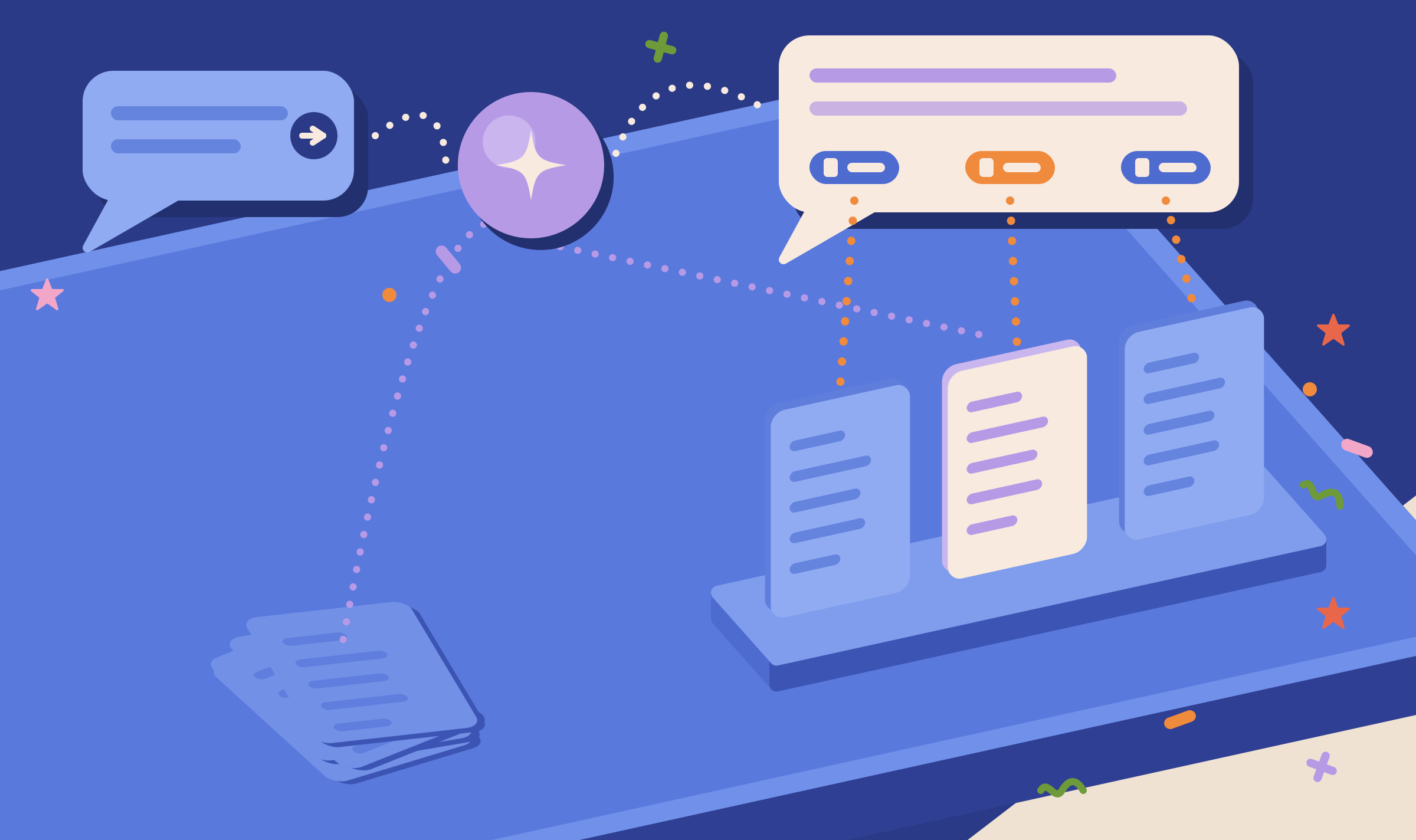
Citation Mining
Runs many prompts on a schedule and counts which domains the tracked answers cite.
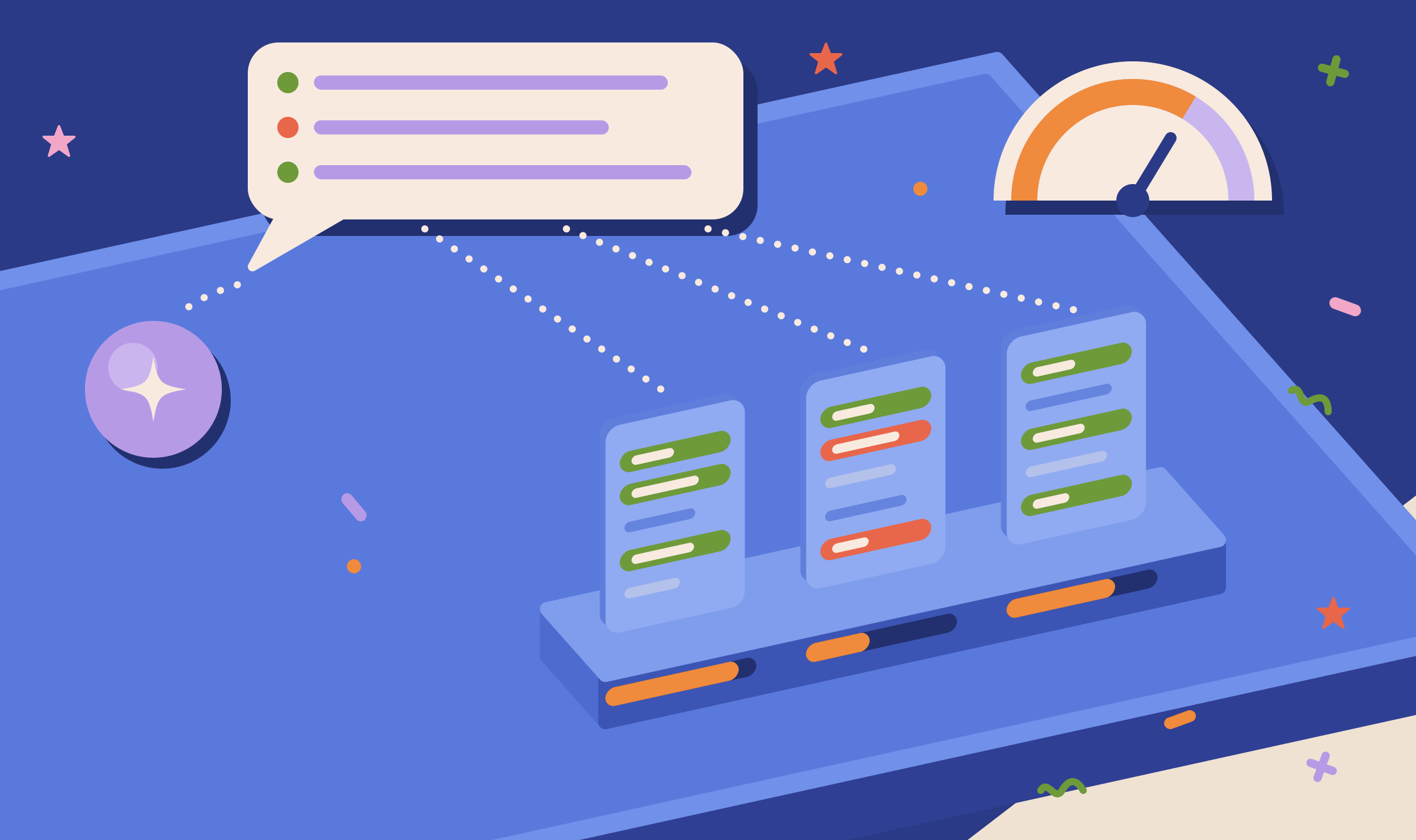
Veracity
Checks how faithfully a grounded answer reproduces the pages it cites.

Page Grounding
Shows which lines of one page Google matches for your queries.

Content Optimizer
Tests edits to a page until an AI ranker places it first.

Prompt to Query
Turns long AI prompts into the short queries search systems use, and back.
Open the demo project's Grounding Inspector and click View on the saved run to see the full answer and all six sources.
Inspect your first AI answer
Your first project includes a complimentary visibility baseline. Grounding Inspector uses credits.