
Read your DEJAN App data from AI assistants and scripts
The DEJAN App MCP server lets an AI assistant or a script read your projects' visibility, citations, organic and optimizer data directly, so you stop copying exports between tools.
Start at app.dejan.ai
The problem: your AI visibility data stops at the browser tab
AI visibility numbers are most useful where the rest of the work happens: in an AI assistant you use to draft a client update, in a ticketing system that tracks content changes, or in a script that compiles a weekly summary. Getting the numbers there means opening the app, finding the right tab, exporting a CSV and pasting it in, and repeating that every time the numbers change.
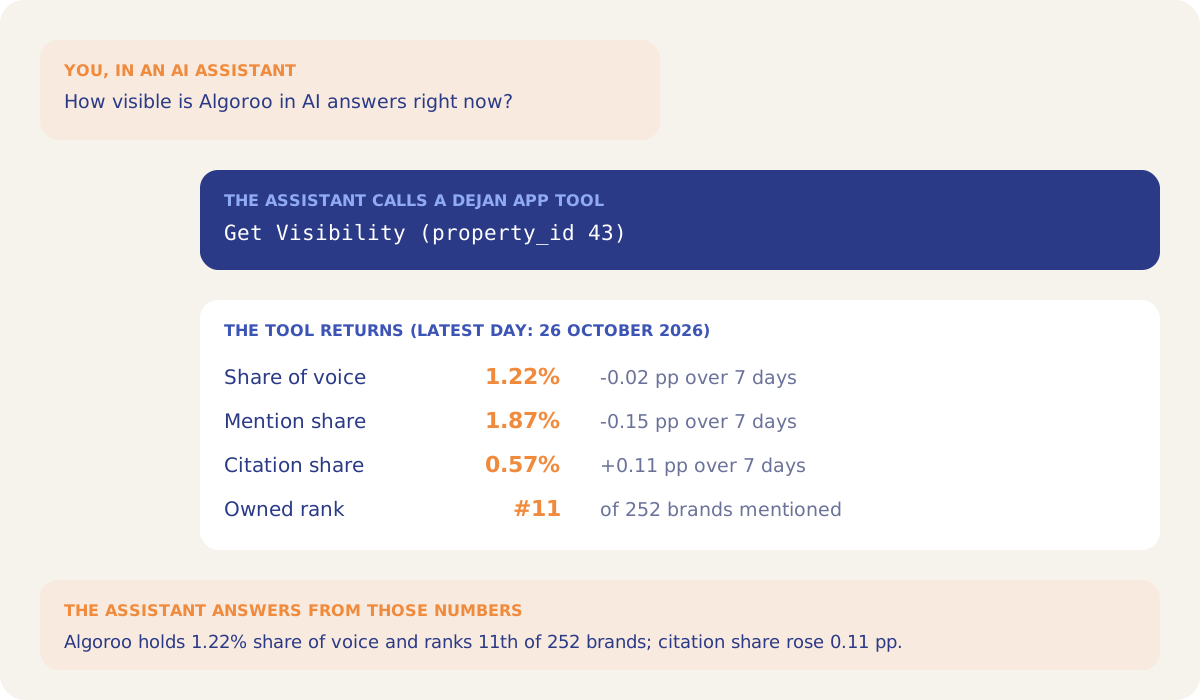
Here is an example from our public demo project. Algoroo tracks Google rank volatility. Its Dashboard for 26 October 2026 shows a share of voice of 1.22% across the tracked answers, down 0.02 percentage points over 7 days, and Algoroo 11th of 252 brands mentioned. To put those figures in a weekly email, someone has to read them off the screen.
How MCP Self-Service solves it
The DEJAN App runs a server at https://mcp.dejan.ai/mcp that speaks the Model Context Protocol (MCP), the standard AI assistants use to call outside tools. Once you connect a client, it can call DEJAN App tools by name and get the same numbers the app shows. Each tool checks your project membership, so a client sees only the projects you can see in the browser.
Asked for the demo project's visibility, the Get Visibility tool returns the Dashboard headline for the latest day, with the 7-day change for each figure and the top 10 brands.
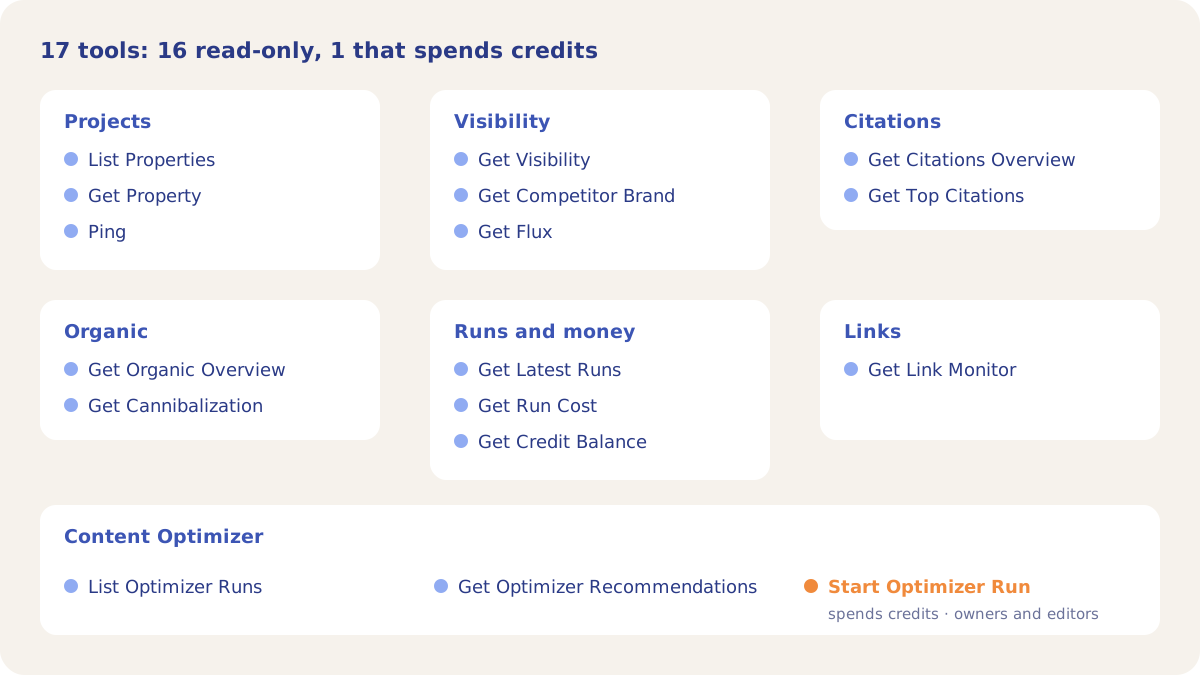
The server has 17 tools. Sixteen are read-only: they read your data and change nothing. The seventeenth, Start Optimizer Run, starts a Content Optimizer run that tests up to 5 of your own ideas for a query and a page. It spends the project's credits like a run started in the app, and only project owners and editors can use it.
The Content Optimizer tools connect app results to other systems. List Optimizer Runs returns finished runs with baseline and best rank; in the demo project the most recent Algoroo run, on 15 October 2026 for "Algorithm Change Tracking", went from rank 5 to rank 1 with 3 accepted changes. Get Optimizer Recommendations returns each accepted change for a run with its rank factor, the rank before and after, and the old and new text, ready to copy into a ticket.
How it works
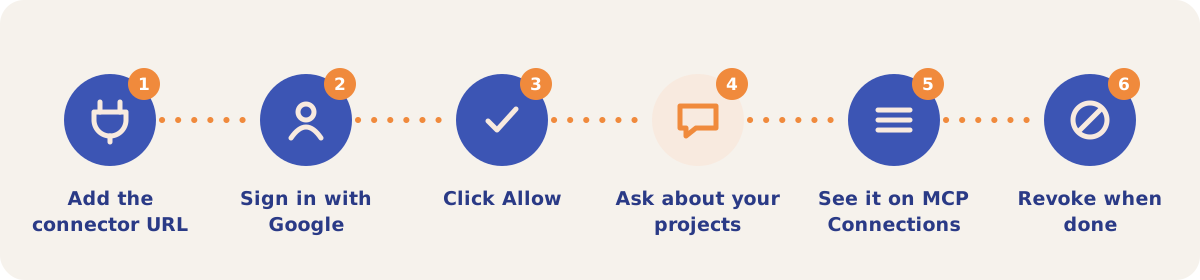
- Add the connector URL. In your MCP client, add a custom connector with the URL
https://mcp.dejan.ai/mcp. In Anthropic's desktop app this is Settings, then Connectors, then Add custom connector. - Sign in with Google. The client opens a sign-in page. Use the Google account you use for the DEJAN App.
- Click Allow. The authorization page names the client and the account you are signing in as. Allow issues a token for that client; Deny issues nothing.
- Ask about your projects. Start with List Properties to get project IDs, then ask for a project's visibility, citations or recent runs.
- Check MCP Connections. Open app.dejan.ai/mcp while signed in. There is no header link; open the address directly. Each connected client is listed with Client, Connected, Last used and Expires.
- Revoke when done. Revoke invalidates the token at once, so the next call from that client fails. To reconnect, repeat the sign-in from the client, which adds a new row.
The tools
| Tool | Returns |
|---|---|
| List Properties | The projects you can access, with headline counts. |
| Get Property | One project's location, language, tracking settings, brands, categories, a sample of entities and the latest stats. |
| Get Visibility | Share of voice, mention share and citation share with 7-day changes, the daily trend and the top 10 brands. |
| Get Competitor Brand | One brand's headline, daily trend, per-platform split, comparison with your owned brand and recent mentions. |
| Get Flux | AI ranking volatility lines and summary figures. |
| Get Citations Overview | Top citing domains, cited URLs, brand mentions, fan-out queries and co-occurrences. |
| Get Top Citations | The most cited domains and pages, with an optional site filter and 1 to 25 rows per list. |
| Get Organic Overview | Top Search Console queries and pages by clicks, country and device split, and the traffic trend. |
| Get Cannibalization | Queries where several of your pages split the clicks, from the Organic tab's Cannibalization data. |
| Get Link Monitor | The status of each tracked link placement from its last check. |
| Get Latest Runs | The 5 most recent runs with type, status, progress and errors. |
| Get Run Cost | What one run cost in USD and the amount charged to a credit balance. |
| Get Credit Balance | Your balance, or the balance that pays for a project you own. |
| List Optimizer Runs | Finished Content Optimizer runs with query, page, baseline and best rank, accepted changes and implementation date. |
| Get Optimizer Recommendations | Every accepted change in one run, every idea tested and its outcome. |
| Start Optimizer Run | Starts a run that tests 1 to 5 of your ideas. Spends credits; owners and editors only. |
| Ping | A connection check that returns your signed-in account. |
Strategies and use cases
- Draft client updates in your assistant. Ask for Get Visibility and Get Top Citations for a project and have the assistant write the weekly summary from the returned figures.
- Sync optimizer results into tickets. Call List Optimizer Runs with the date of your last sync to get only new runs, then Get Optimizer Recommendations for each run to create one ticket per accepted change.
- Test your own ideas from the assistant. Start Optimizer Run takes up to 5 ideas worded your way and tests each one as its own hypothesis. Poll Get Optimizer Recommendations until the run finishes.
- Watch spend from scripts. Get Run Cost and Get Credit Balance return the same figures as the app's cost screens.
- Give each client its own connection. Every authorization is a separate row on MCP Connections, so revoking one device or app leaves the others working. Tokens expire after 90 days.
How it connects to the rest of the app
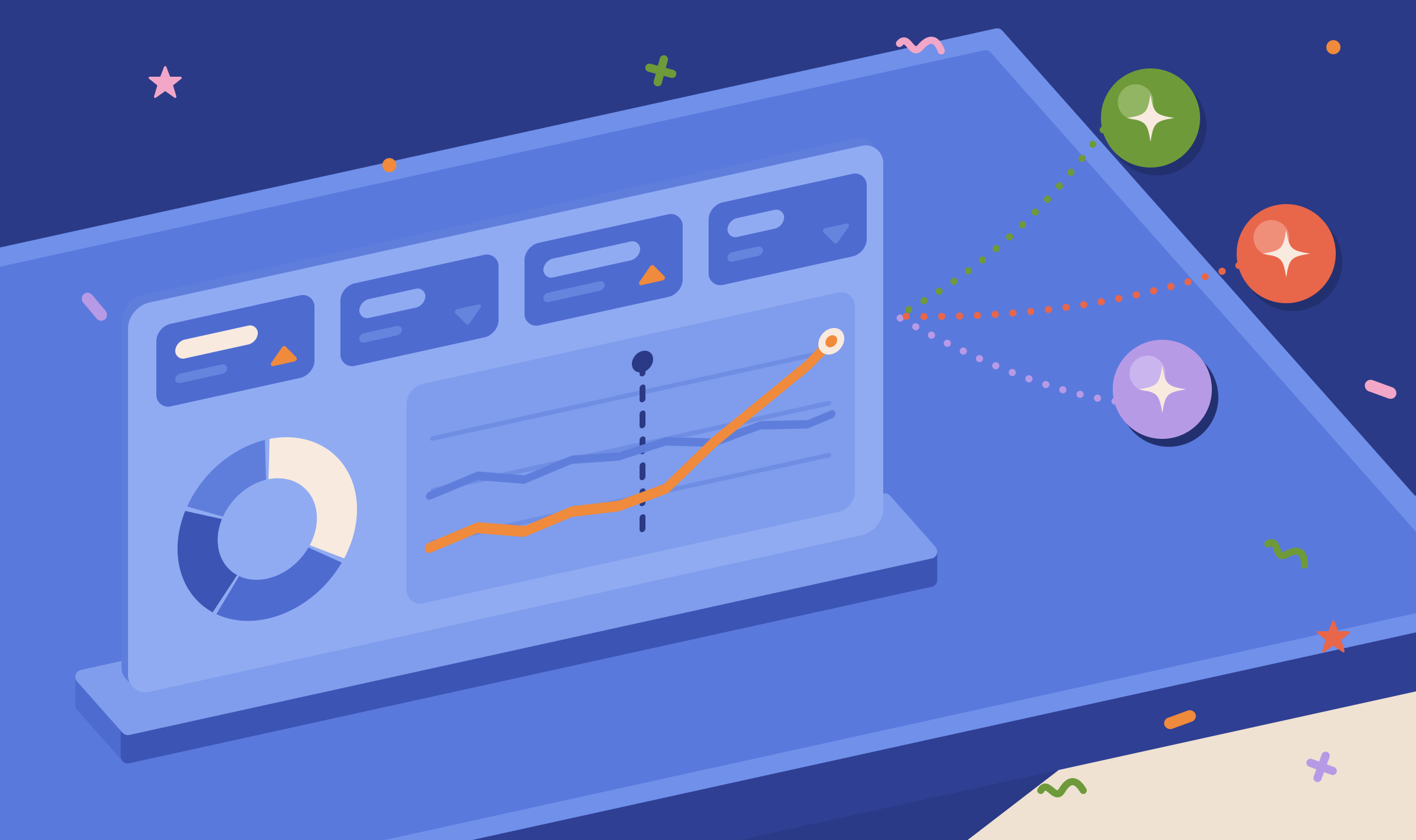
Dashboard
Get Visibility returns the same headline figures and top brands.
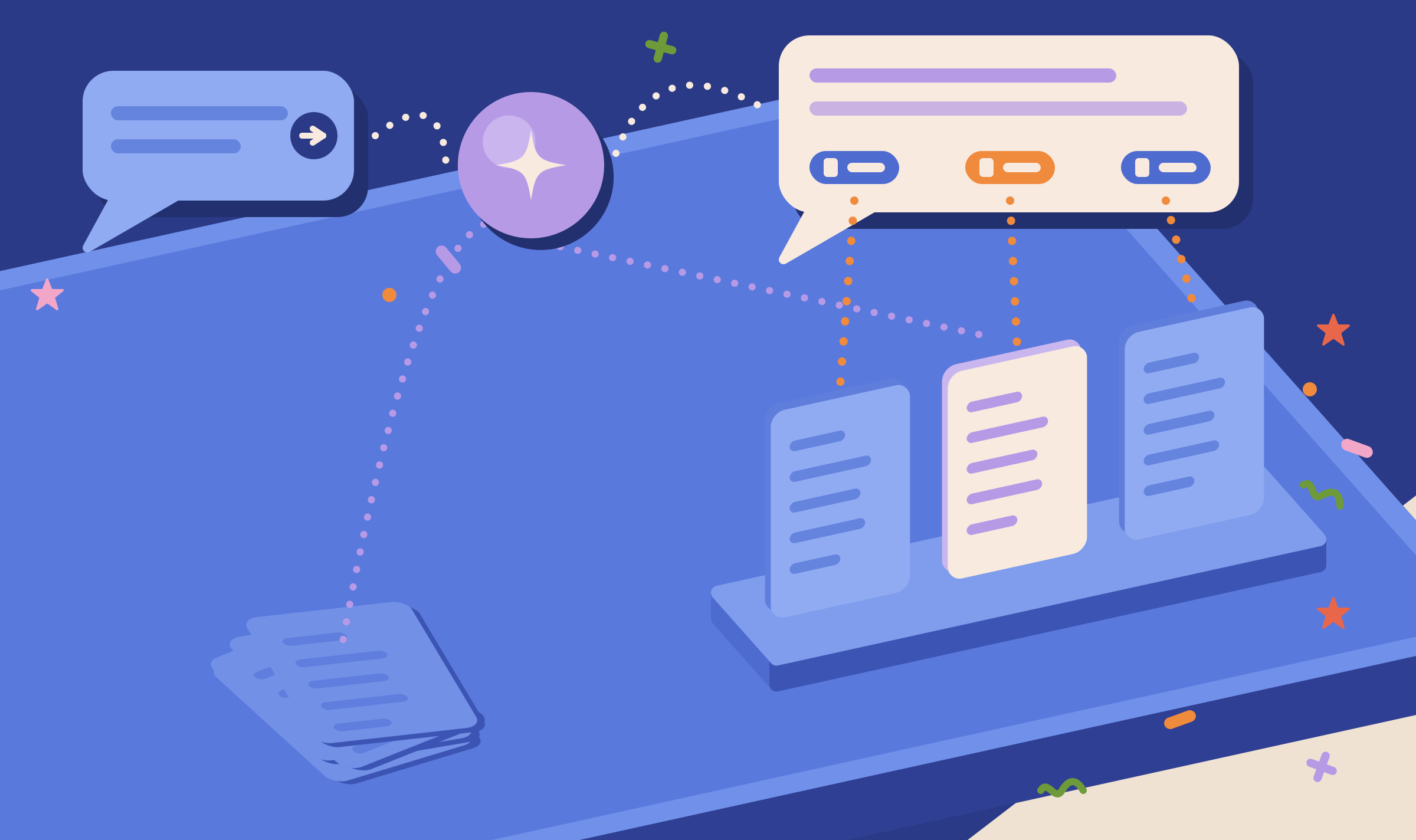
Citation Mining
Get Citations Overview and Get Top Citations read its data.
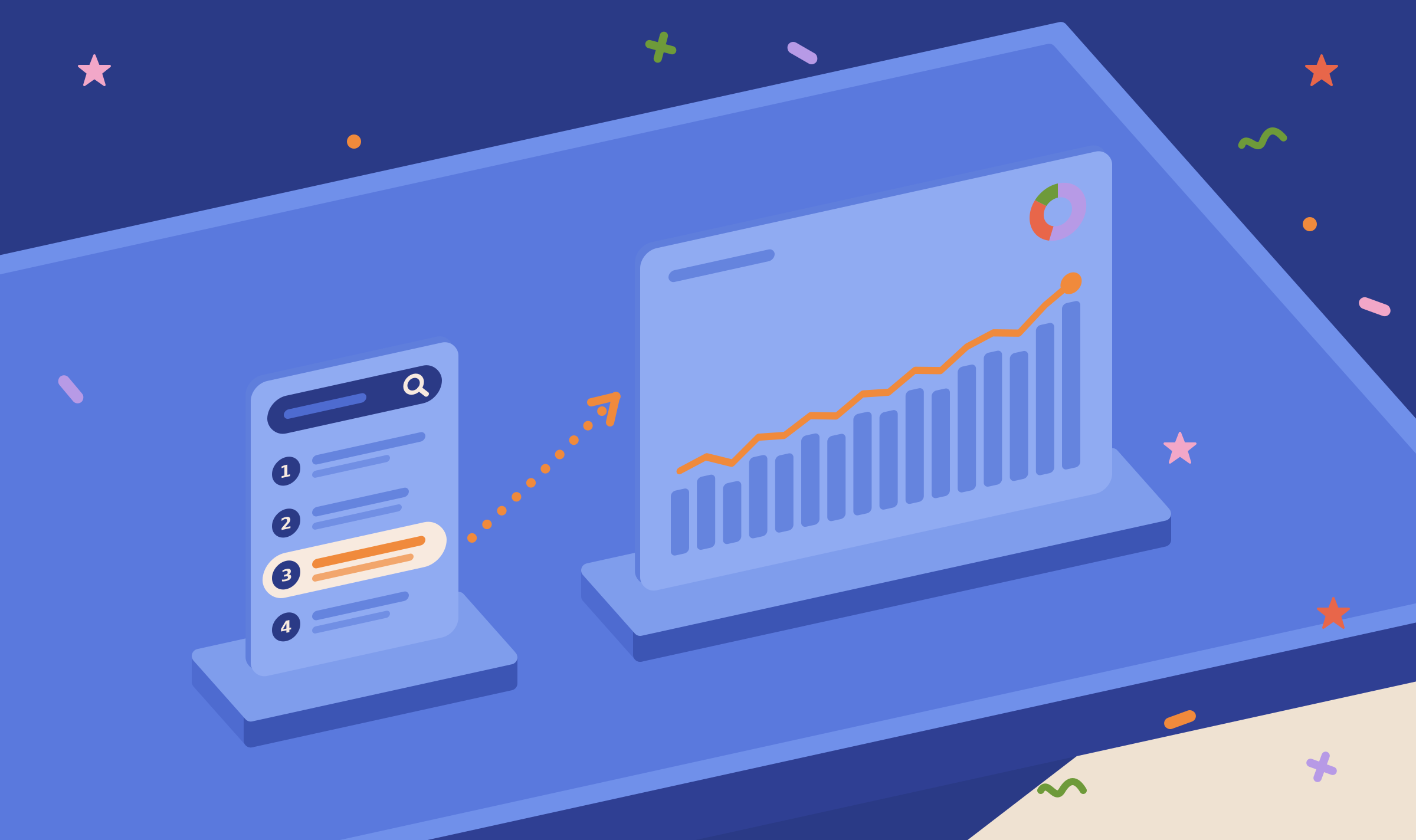
Organic Search
Get Organic Overview and Get Cannibalization read its Search Console data.
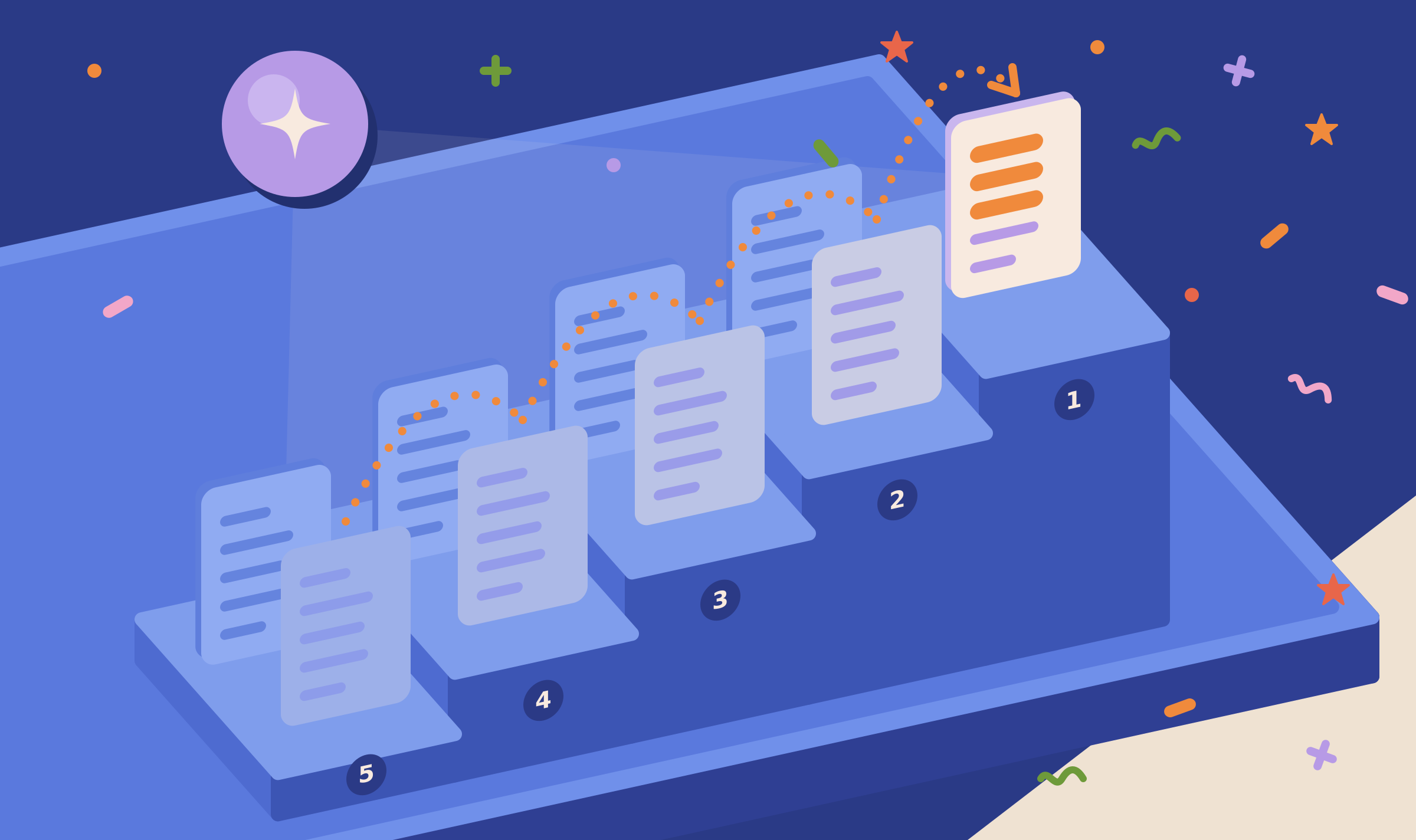
Content Optimizer
Three tools list runs, return recommendations and start new runs.
Link Monitor
Get Link Monitor returns the last check of each tracked link.

Sharing with Other Users
Project roles decide which projects and tools a connected client can use.
Open the demo project's Dashboard to see the figures that Get Visibility returns.
Connect your AI assistant
Your first project includes a complimentary visibility baseline. No card required.